School Settings
Open School Settings from your avatar menu and configure every school topic: profile, branding, sessions, people, meals, invoicing, and more.
Last updated Oct 1, 2026
Where school configuration lives
School configuration is not a destination in the top bar. Open School Settings from your avatar menu (top right). Only administrators can open it.
The top bar is for the day: Today, Children, Rooms, Invoices, and Calendar. Settings is what you configure once and then leave alone.
The School Settings page
The page is a searchable index of topics, grouped so you can find a setting by what it is for rather than by an old tab name.
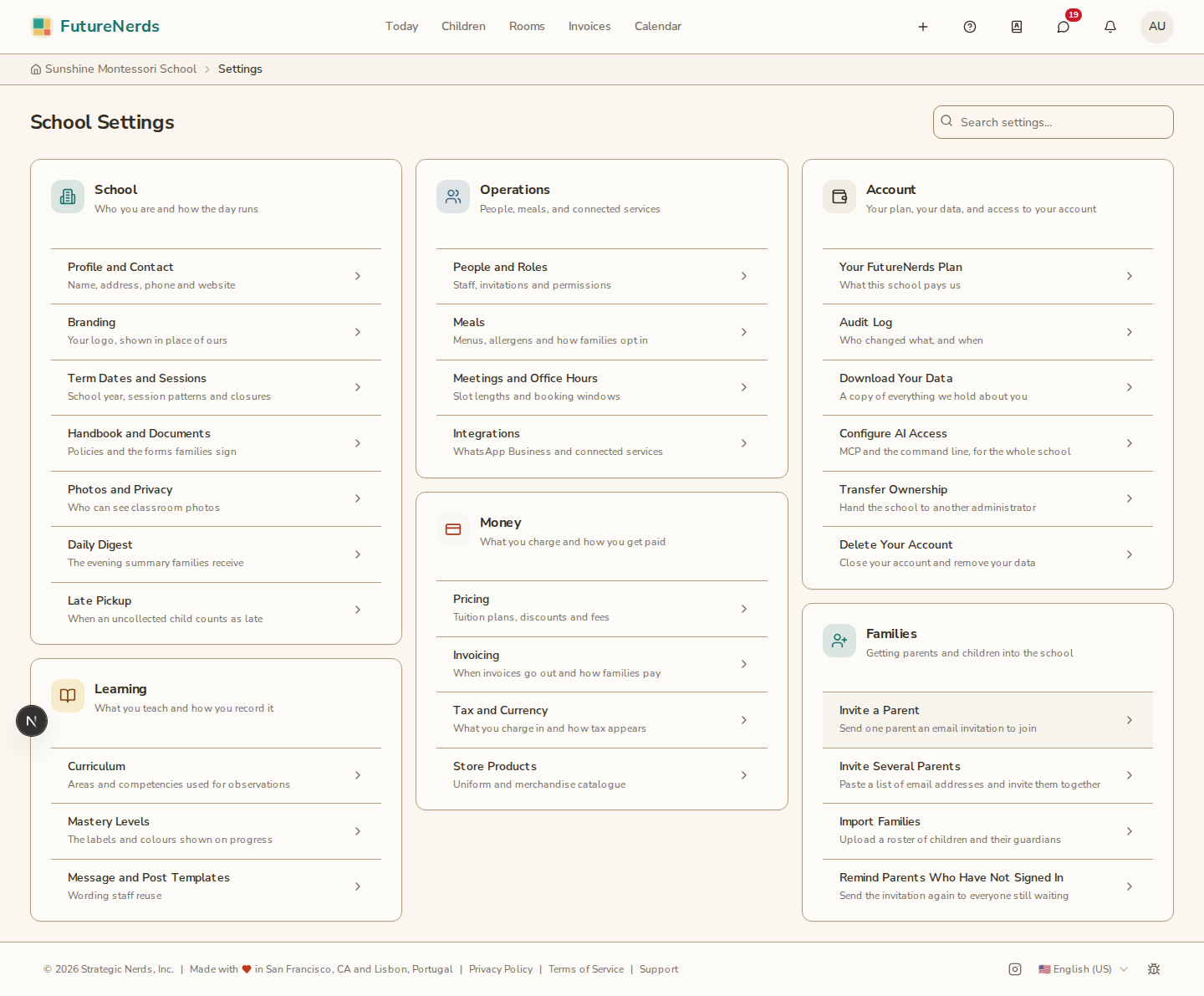
Use Search settings... to filter by name or description. Searching for "digest" or "school year" finds the right topic even if you do not remember its title.
The seven groups are:
- School -- who you are and how the day runs: profile, branding, term dates, handbook, photos, the daily digest, and late pickup.
- Learning -- what you teach and how you record it: curriculum, mastery levels, and message and post templates.
- Operations -- people and roles, meals, meetings and office hours, and integrations.
- Applications -- the form prospective parents fill out, the inbound list, and the public apply link.
- Money -- pricing, invoicing, tax and currency, and store products.
- Account -- your FutureNerds plan, the audit log, data download, AI access, transfer ownership, and delete account.
- Families -- invite a parent, invite several parents, import families, and remind parents who have not signed in.
Each topic opens on its own page, with a breadcrumb back to School Settings.
School: profile, branding, and the day
Open Profile and Contact for the identity families see on invoices, the application page, and emails:
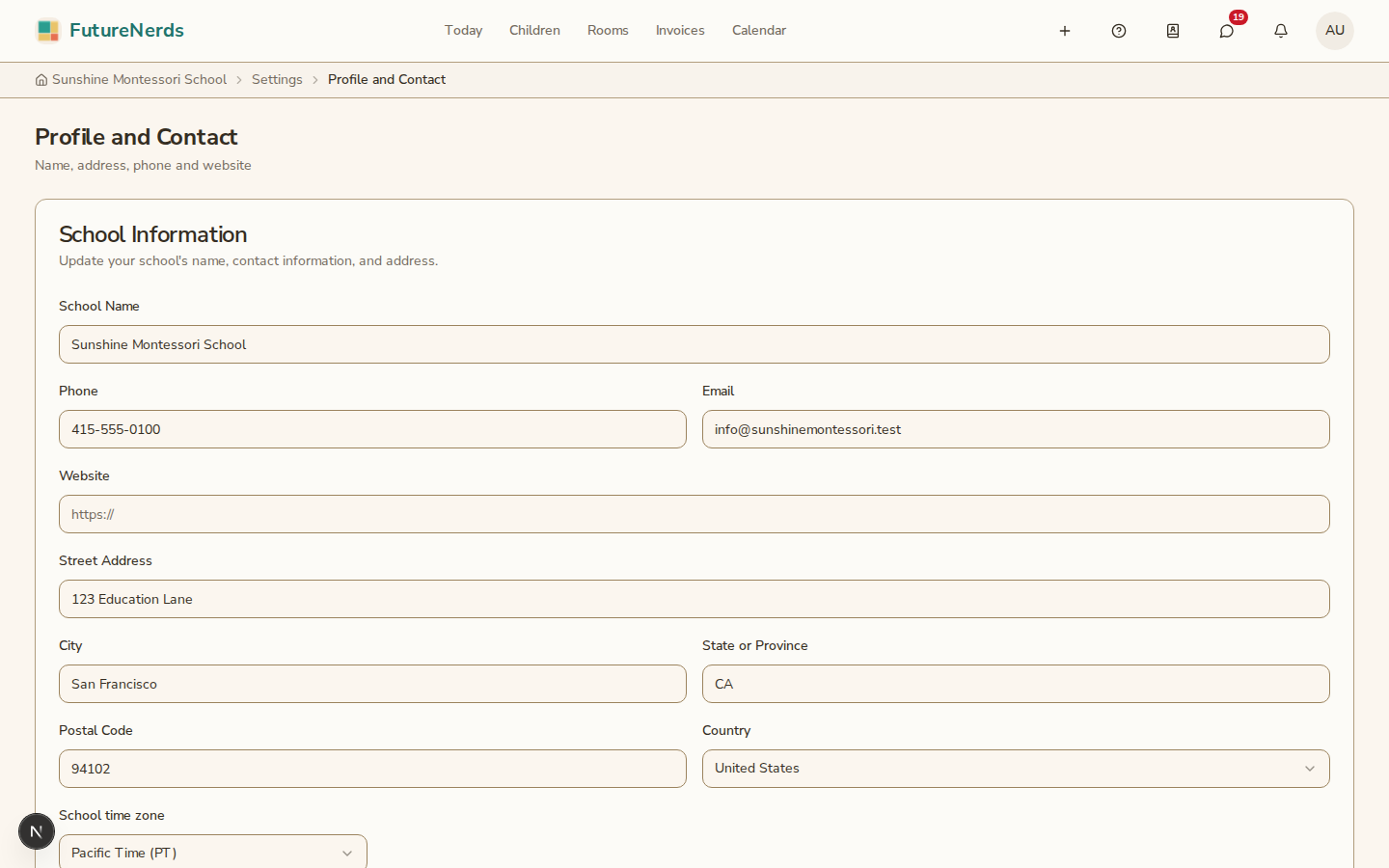
- School name, phone, email, and website.
- Street address, city, region, postal code, and country.
- School time zone -- every date and time at the school uses this.
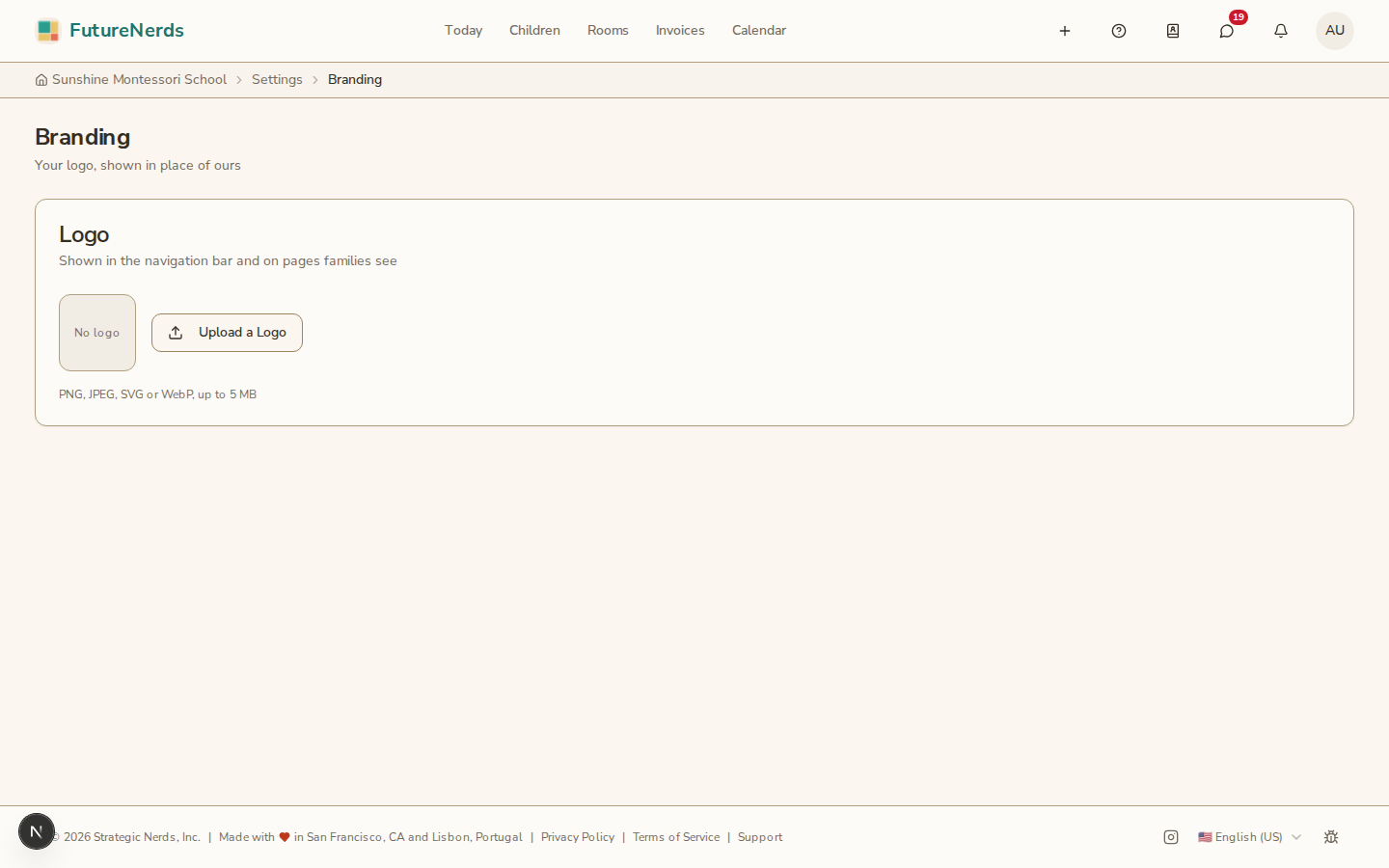
Open Branding to upload a logo (PNG, JPEG, or WebP, up to 5 MB). It appears in the navigation bar and on pages families see.
The rest of the School group is one topic each:
- Term Dates and Sessions -- school years, session patterns, and which session is current. See academic sessions.
- Handbook and Documents -- policies and the forms families sign. See the school handbook.
- Photos and Privacy -- whether parents see every classroom photo or only photos where their child is tagged.
- Daily Digest -- the evening summary email. See daily parent digest.
- Late Pickup -- the time an uncollected child counts as late, or disable monitoring.
Learning, operations, money, account, and families
Open a topic from its group. The common ones:
- Curriculum and Mastery Levels -- the framework teachers plan and assess against. See your curriculum framework and mastery levels.
- Message and Post Templates -- wording staff reuse. See message templates.
- People and Roles -- staff, invitations, and permissions. See managing people.
- Meals -- menus, allergens, and how families opt in. See meals and menus.
- Pricing and Invoicing -- tuition plans and how families pay, including Stripe. See products and subscriptions and connecting Stripe.
- Tax and Currency -- what you charge in and how tax appears on invoices.
- Family Roster -- every parent at your school, their children, and where each one is on the way in. See the Family Roster.
- Invite a Parent, Invite Several Parents, Import Families and Remind All Parents -- the four ways a family gets into the school. Each opens over the Family Roster, and the Add Parent menu there offers the same four. The same actions also live on Children.
Application page
Your public application page is a separate surface. Open Applications from Today (under Manage) and click Edit Application Form. Families apply at a unique URL without creating an account first. See building application forms.
Next steps
Once the School group is filled in, invite teachers from People and Roles and create classrooms from Rooms.
Was This Helpful?