Montessori school attendance software with parent absence reports
FutureNerds is attendance software for Montessori schools. Staff check children in and out from the Today screen, and parents report absences from the app with a reason. It runs on the web, iPhone, iPad and Android, and it is free for your first 10 students.
What staff see each morning
The Today screen opens with three counts for the day: Here (with how many arrived late), Absent, and Not Checked In. Below them are the day's attendance rate and a bar chart of the last 14 days. Below that are two search boxes, Check In and Check Out. Type a child's first name, tap it, and the time and the staff member who did it are saved with the record.
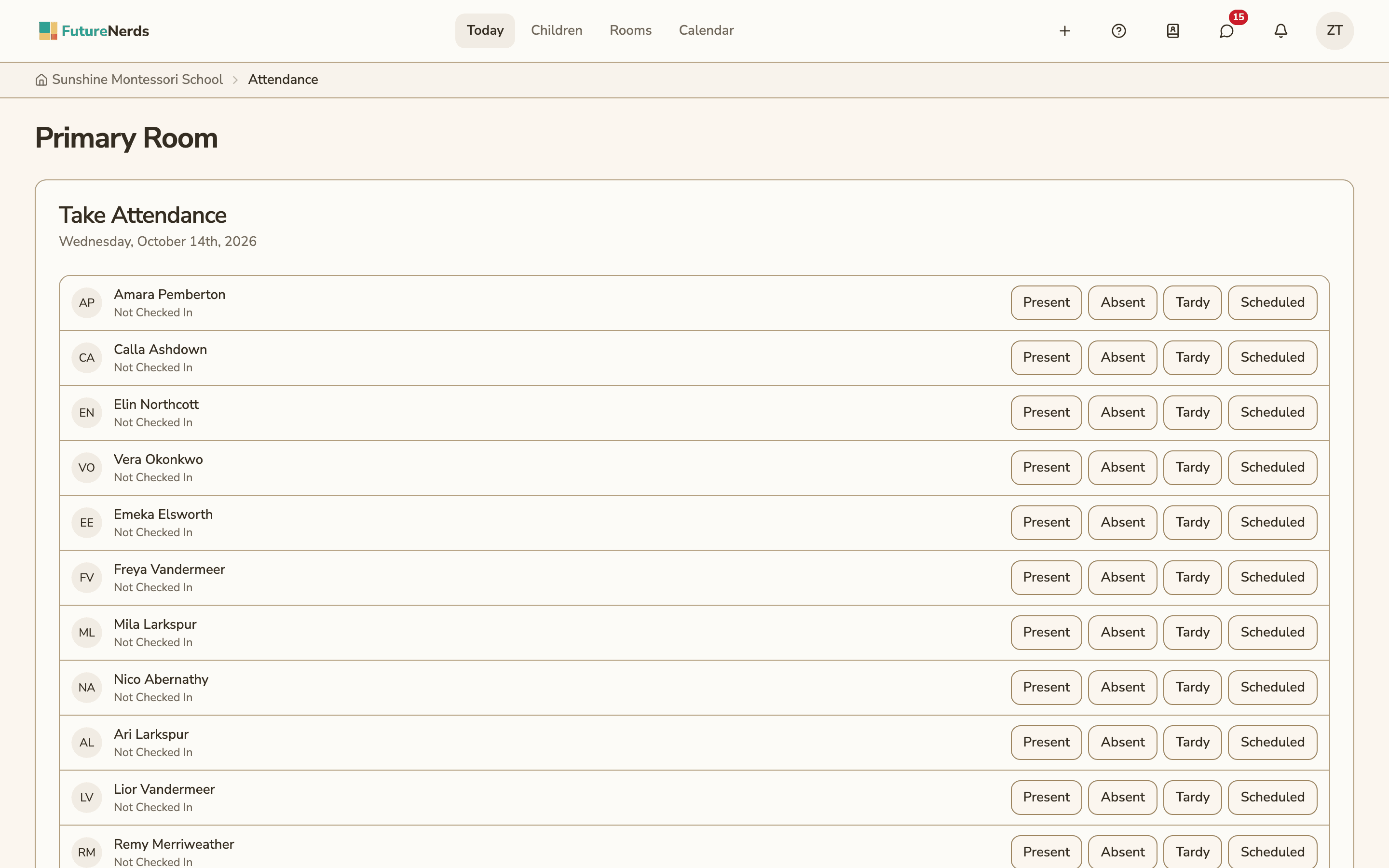
A guide who would rather work through the room uses Take Attendance on the classroom page. Every child in the room is listed, and each one is marked present, absent or tardy.
Each record keeps:
- the drop-off time and who checked the child in
- the pick-up time and who checked the child out
- the status: present, absent, tardy, or scheduled (an absence a parent reported ahead of time)
Attendance can also be taken for an after-school club, separately from the child's classroom.
How parents report an absence
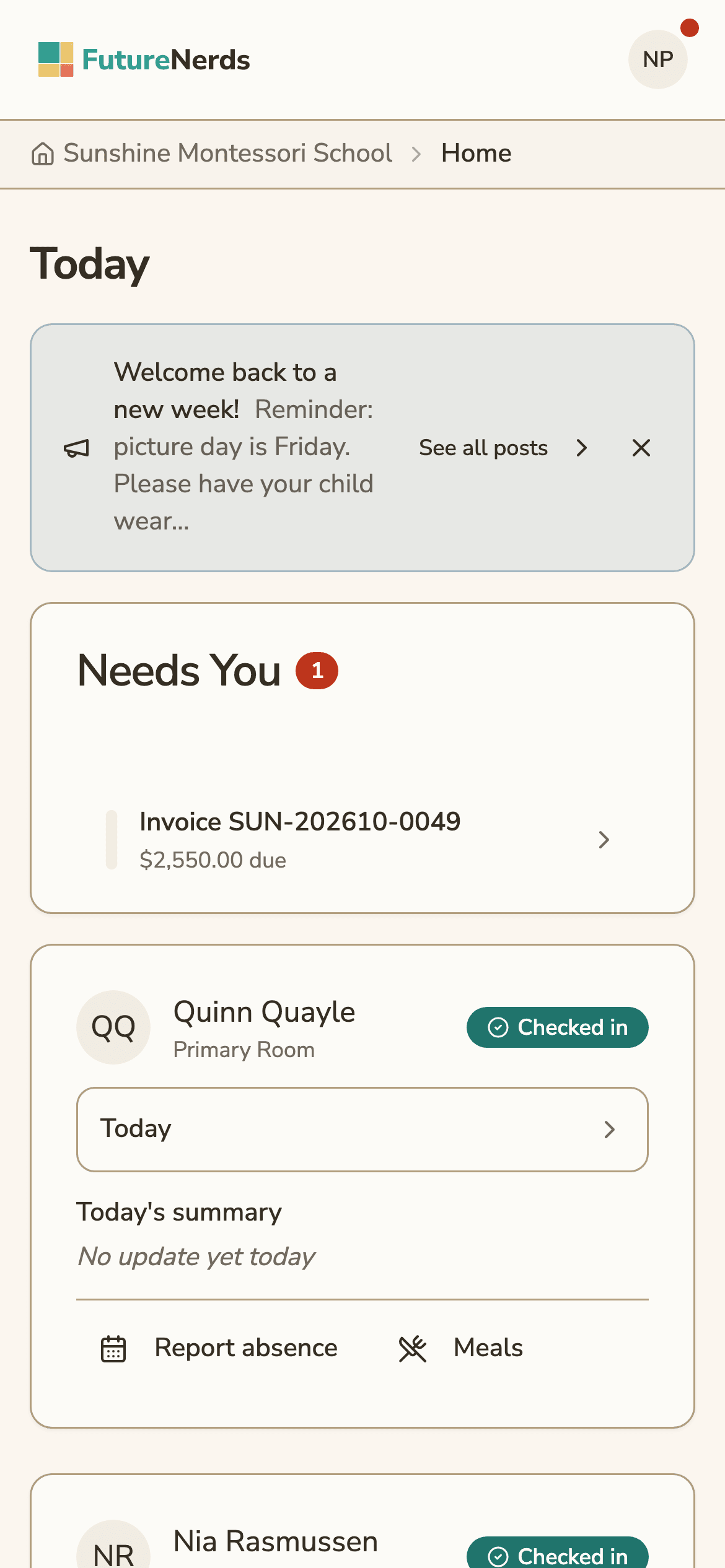
A parent opens their child in the app and taps Report absence. They pick one day or several, choose a reason, and can add a message:
| Reason | When parents use it |
|---|---|
| Illness | The child is sick |
| Personal reason | Family plans, a late start, anything else |
| Medical appointment | A doctor or dentist visit |
| Vacation | A trip of one day or more |
The absence shows on the Today screen as Scheduled, so nobody calls home about a child who was never coming. If the parent writes a message, the classroom staff get an email with it. If the child is in a club that meets on those days, the parent can tell the club as well. A parent can cancel a future absence until the day arrives.
On iPhone, parents can also say "Report absence today" to Siri. Teachers with an Apple Watch can mark arrivals from the watch.
How to take attendance in FutureNerds
- Open Today. The counts show how many children are not checked in yet.
- In Check In, type a child's name and select them as they arrive.
- Children whose parents reported an absence already show as Scheduled.
- At the end of the day, use Check Out the same way, so the pick-up time is recorded.
- Open Attendance to see history by classroom and date.
What it costs
Attendance is included in every plan. The Starter plan is free for up to 10 children. After that, the Growth plan is $0.50 per child per month, with no setup fee. See pricing.
Questions and answers
Can parents report an absence without calling the school?
Yes. Parents report an absence in the FutureNerds app on iPhone or Android, or on the web. They pick the days and a reason (illness, personal reason, medical appointment or vacation) and can add a message, which staff receive by email.
Does FutureNerds record drop-off and pick-up times?
Yes. Checking a child in saves the drop-off time and the staff member who did it. Checking out saves the pick-up time and who did that.
Which attendance statuses does FutureNerds use?
Present, absent, tardy and scheduled. Scheduled is an absence a parent reported ahead of time.
Can teachers take attendance on a phone?
Yes. Attendance works in the FutureNerds apps for iPhone, iPad and Android as well as on the web. Teachers with an Apple Watch can mark arrivals from the watch.
Is attendance included in the free plan?
Yes. Attendance is in the free Starter plan, which covers up to 10 children.
Less paperwork. More presence.
Free for your first 10 students. No credit card required.