The daily journal
Log what happened during the day on a timed grid and choose which entries families see.
Last updated Oct 1, 2026
The daily journal
The daily journal is the hour-by-hour grid on Today. Staff log the day's plan and timed moments there. Arrivals, naps, and meals for a room are daily tracking, not journal entries.
Getting there
Open Today in the top bar. The journal sits in the left column, beside Needs You. Use the date controls next to Add to Journal to move to another day.
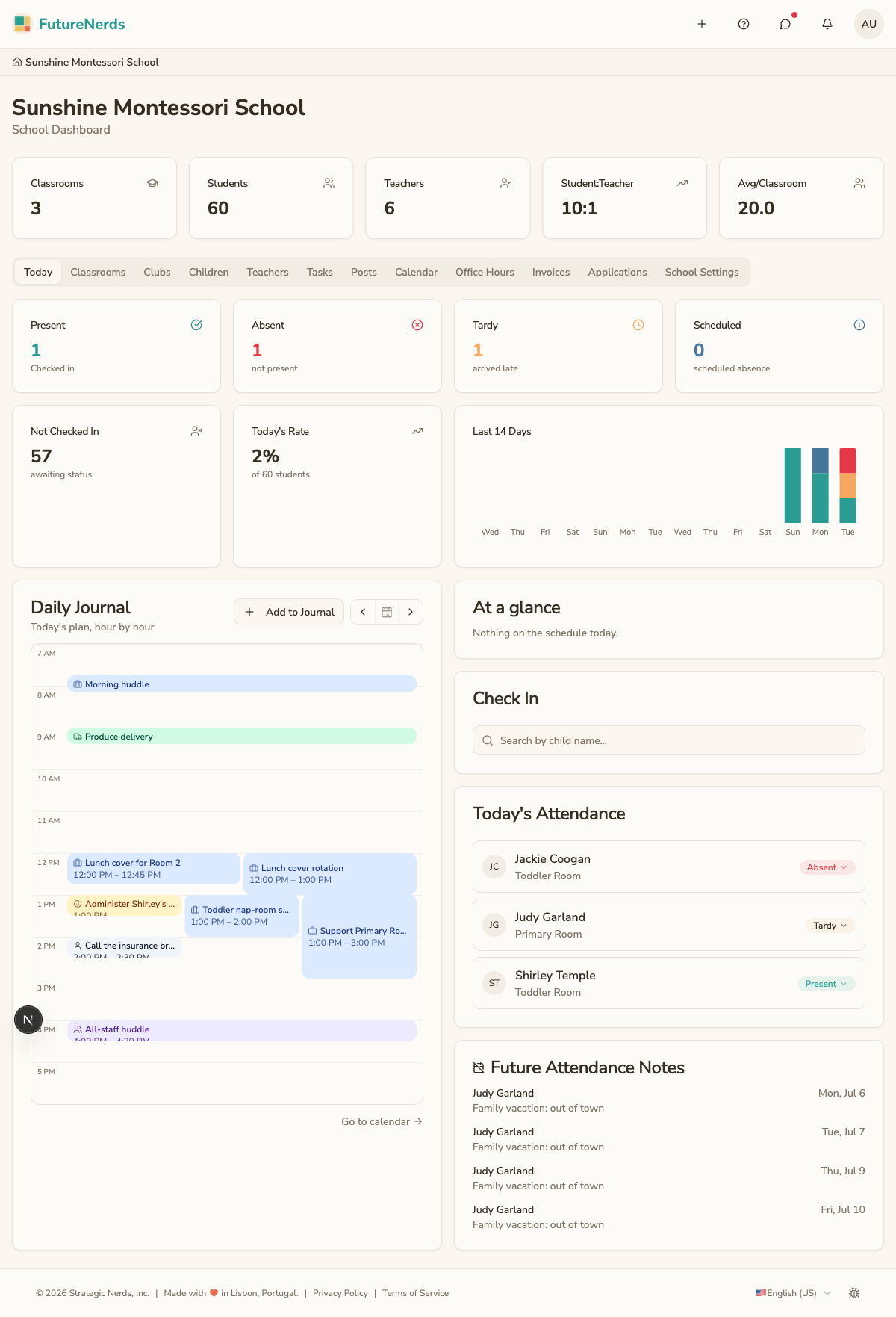
Adding an entry
- Click Add to Journal, or click a time on the grid.
- Write the note and set the time.
- Save. The entry appears on the grid at its hour.
Sharing with families
Each entry has a toggle that controls whether families can see it. Turn the toggle on to share the entry with the child's parents. Turn it off to keep it as an internal staff note.
This lets you keep operational notes private while still sending parents the moments they care about.
Editing and deleting
- Click an entry to edit its time, type, note, or shared status.
- Delete an entry to remove it from the journal.
Moving between days
Use the date navigation to step back to earlier days or forward to today. The journal always shows the entries logged for the selected day.
Tips
- Log moments as they happen rather than at the end of the day, so times stay accurate.
- Decide as a team which entry types you share by default to keep the parent view consistent.
- A shared journal entry is separate from the daily parent digest, which compiles a summary email.
Was This Helpful?