Parent communication app for Montessori schools
FutureNerds is a parent communication app for Montessori schools. Staff message families one to one or in classroom channels, post announcements that parents can acknowledge, and link the school's WhatsApp, LINE or Telegram groups. Parents choose how they are notified. It is free for your first 10 students.
Messages and channels
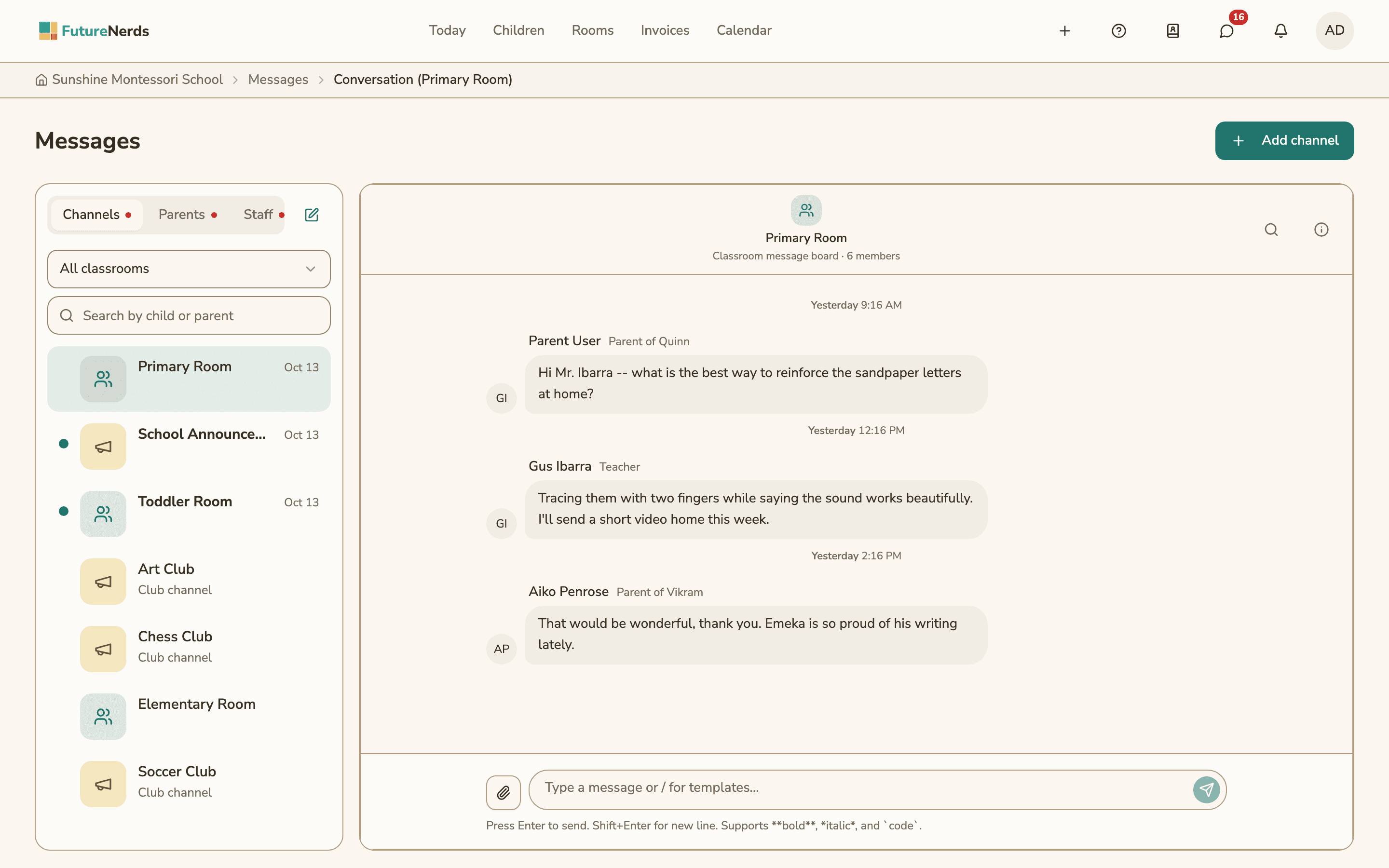
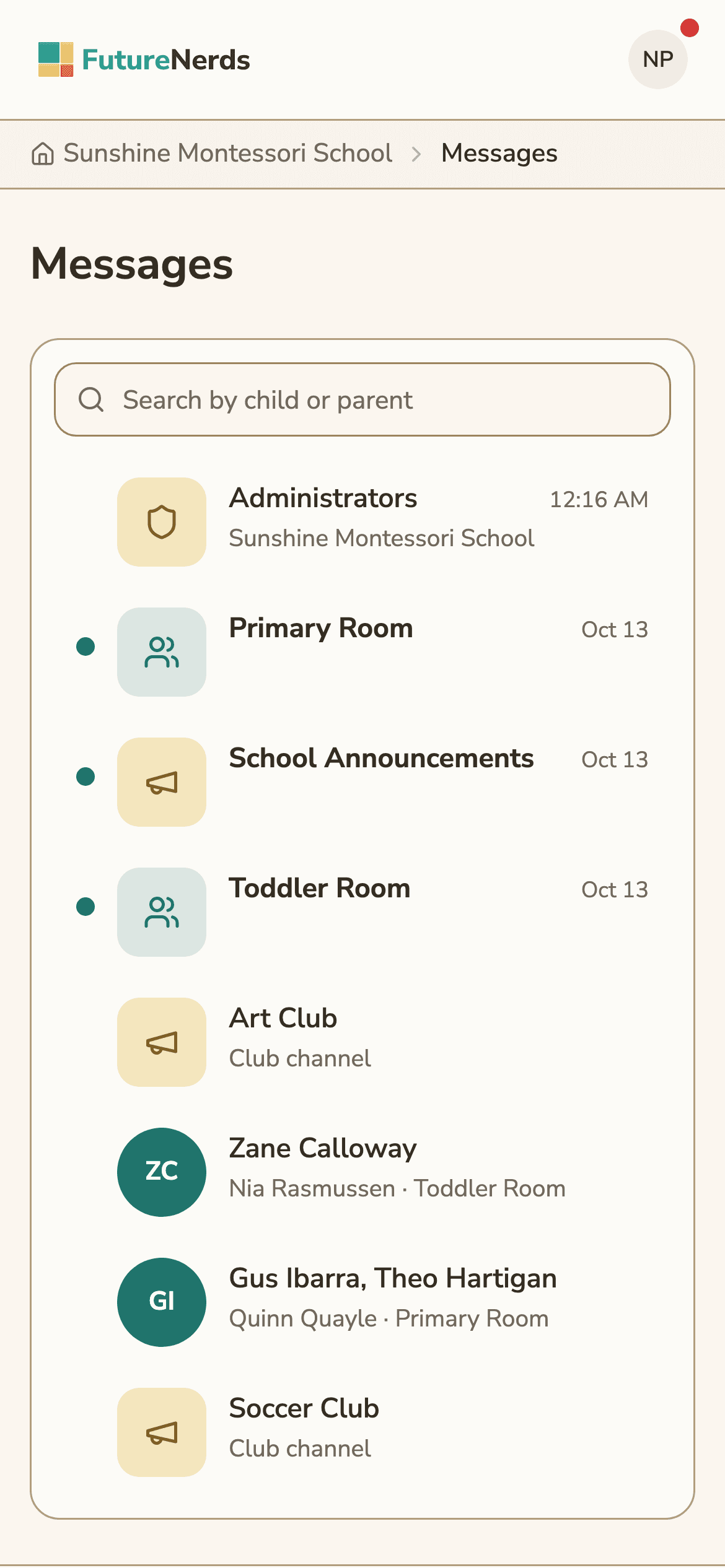
Messages in FutureNerds come in two forms:
- Direct threads between staff and a parent, or between staff members.
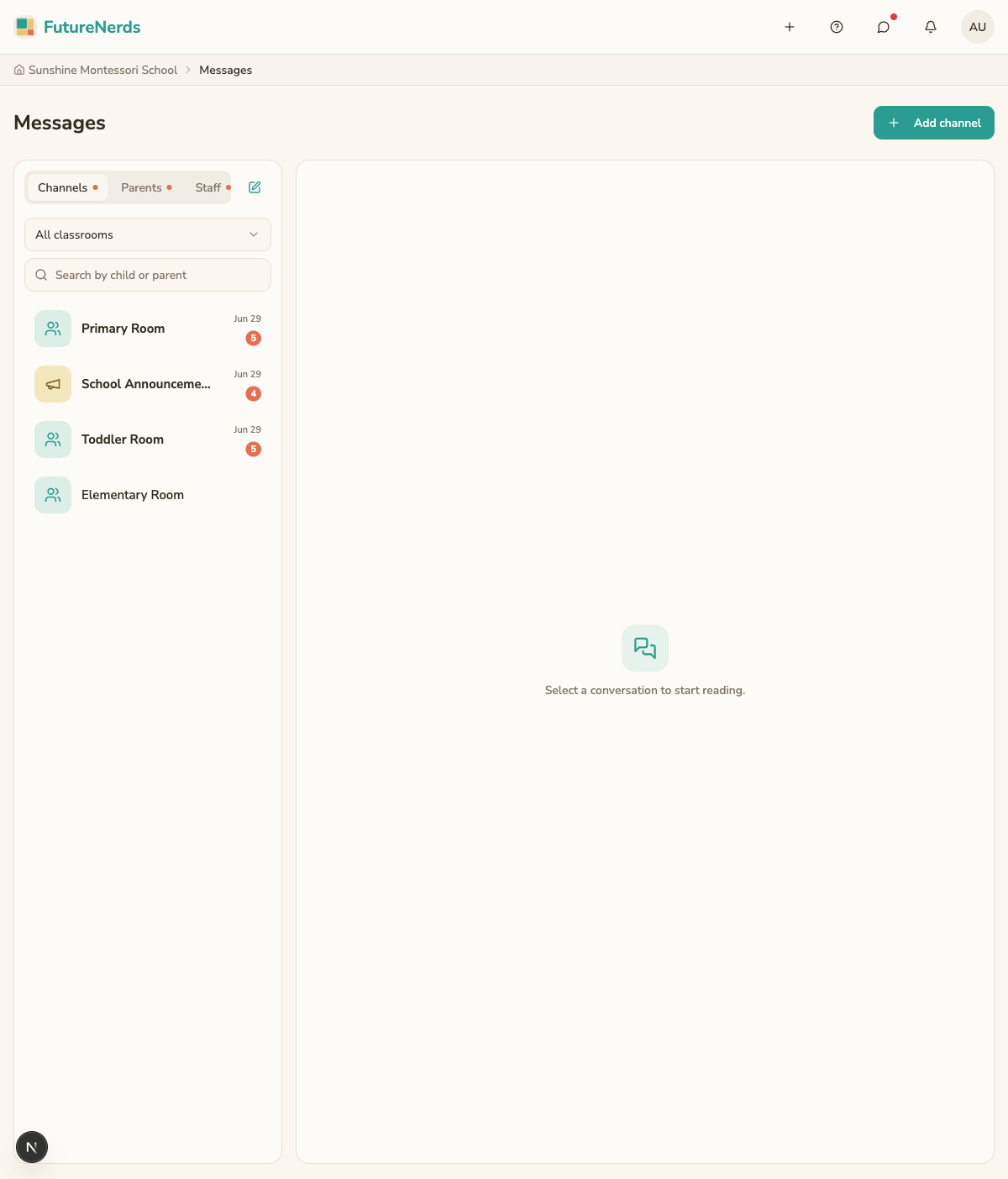
- Channels for a group. Every classroom gets its own channel, and the school has a School Announcements channel.
Admins see three tabs: Channels, Parents and Staff. A classroom filter and a search box find a conversation by child or parent name.
A thread can hold attachments, polls, emoji reactions, custom emoji, GIFs, pinned messages, link previews and Markdown formatting. New messages show up without a refresh. On iPhone, a parent or teacher can reply straight from a notification.
Message templates
Staff type "/" in a message to insert a saved template. Admins write templates in settings and sort them into four categories:
| Category | Example use |
|---|---|
| Health alert | A case of lice or strep in a classroom |
| Weather | A snow day or early closing |
| Reminder | Picture day or a form that is due |
| General | Anything else |
Posts and announcements
Posts are announcements on a board. Every classroom gets its own board automatically. Each post has:
| Field | Options |
|---|---|
| Title | Optional |
| Body | Required |
| Category | General, Announcement, Alert, Reminder or Celebration |
| Expires after | 6 hours, 12 hours, 24 hours, 3 days, or never |
| Visibility | The whole school or a single classroom |
| Parent acknowledgement | Off or on |
When parent acknowledgement is on, each parent confirms they read the post, and staff see who has. Every post shows a read count. A post can also link a parent checklist, such as the forms to return before a field trip.
Up to 3 active posts appear as banners at the top of the Today screen.
WhatsApp, LINE and Telegram
An admin can add a WhatsApp, LINE or Telegram group link as a card in FutureNerds. Parents open the group from the card.
If the school has a WhatsApp Business account, an admin enters the school's WhatsApp Cloud API details under settings, and FutureNerds then copies new posts and school-wide messages to WhatsApp. WhatsApp's rules apply: a free-form message is delivered only within 24 hours of the parent's last reply to the school's number.
What parents control
Each parent sets how they hear about each type of update:
- in the app
- by email
- by push notification on iPhone or Android
A parent can also choose a daily digest instead of single alerts, or turn on Mute Everything. FutureNerds does not send marketing email to parents.
Messages and posts work on the web and in the FutureNerds apps for iPhone, iPad and Android.
How to send an announcement in FutureNerds
- Open Posts and choose to create a new post.
- Write the body, and add a title if you want one.
- Pick a category, such as Reminder or Alert.
- Choose who sees it: the whole school or a single classroom.
- Set when it expires, or leave it with no expiry.
- Turn on Parent acknowledgement if every family needs to confirm.
- Publish the post. Check the read count to see who has opened it.
What it costs
FutureNerds is free for your first 10 students. After that, it costs $0.50 per child per month, with no setup fee. See pricing.
Questions and answers
Can teachers message parents without sharing their phone number?
Yes. Teachers and parents message each other inside the FutureNerds app, on the web, iPhone, iPad or Android.
Does FutureNerds work with WhatsApp?
Yes. An admin can add a WhatsApp, LINE or Telegram group link as a card in FutureNerds. A school with a WhatsApp Business account can also have new posts and school-wide messages copied to WhatsApp.
Can I see which parents read an announcement?
Every post shows a read count. Turn on Parent acknowledgement and each parent confirms the post, so you can see who has.
Can parents turn off notifications?
Yes. Parents pick in-app, email or push for each type of update, can switch to a daily digest, and can turn on Mute Everything.
Does FutureNerds send text messages?
No. FutureNerds sends notifications in the app, by email and by push notification.
Less paperwork. More presence.
Free for your first 10 students. No credit card required.