Messaging, channels, and polls
Send direct messages, use the classroom boards, link outside chat groups, and run polls in threads.
Last updated Oct 1, 2026
Messages
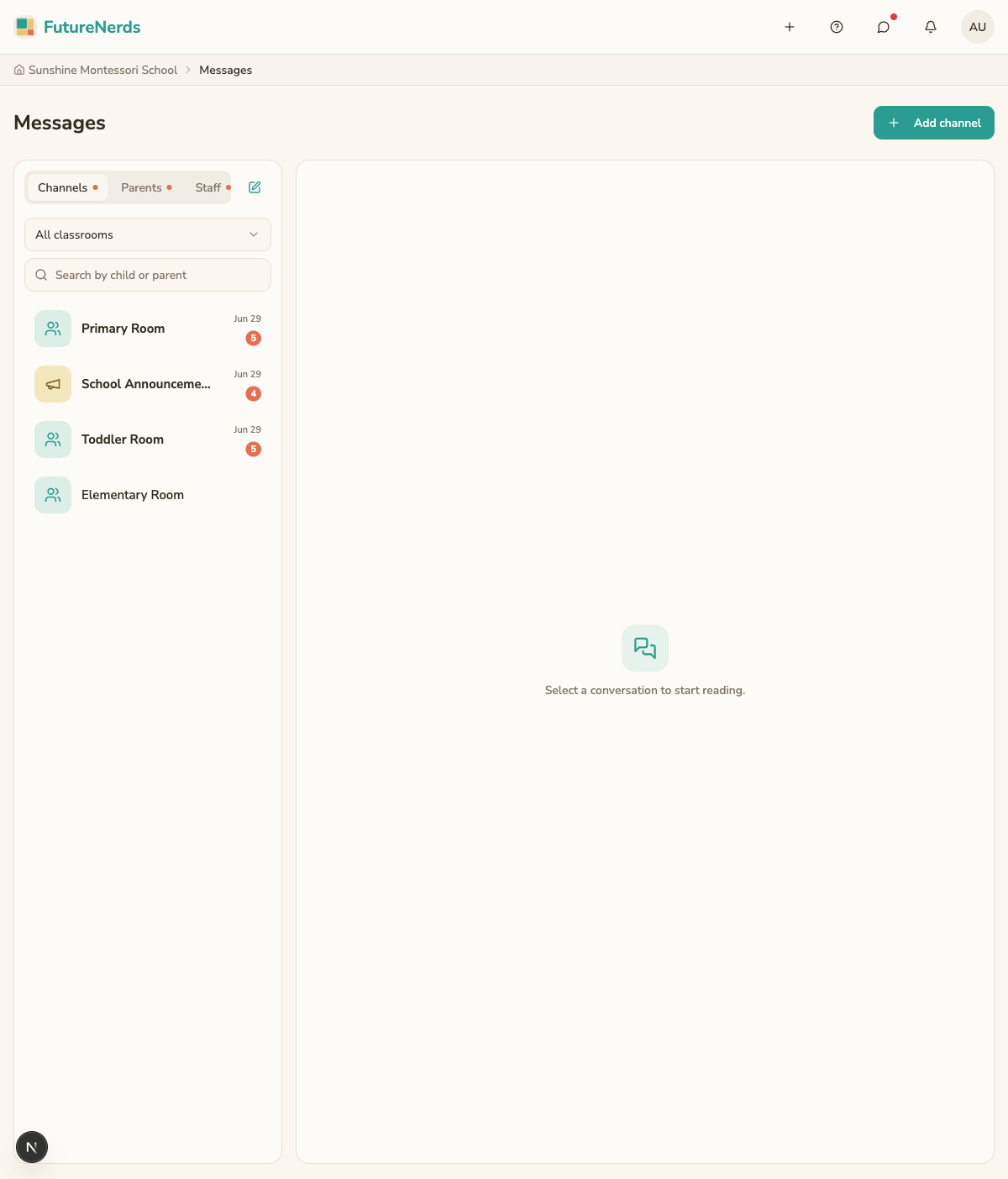
The Messages area, for an administrator, has three tabs: Channels, Parents, and Staff. Staff and families can message each other directly, and every classroom has its own board.
Direct messages
A direct message is a private thread between you and one other person, such as a parent or another staff member. Open Parents or Staff, then pick the person. Only the two of you see the thread.
Channels
Channels lists the message boards FutureNerds sets up for you: one board for each classroom and one for school-wide announcements. Families see the board for their child's classroom. Filter with All classrooms when you have more than one room.
Everyone on a board sees every message. Use a board when the same information matters to a whole classroom.
Outside chat groups
If your families already talk in a WhatsApp, LINE, or Telegram group, you can link it. At the top of Messages, click Add a chat channel, type a name, choose the provider, and paste the group's link. Staff and families see the link as a card above their conversations, and it opens the group in that app.
What threads support
Both direct messages and boards are threads, and threads support more than plain text:
- Attachments -- add files and images to a message.
- Polls -- ask a question with options and let people vote. Useful for picking a field trip date or gauging interest.
- Reactions -- react to a message with an emoji instead of a full reply.
- Link previews -- paste a link and the thread shows a preview of the page.
Threads update live, so new messages, votes, and reactions appear without refreshing the page.
Messages versus posts
Use messages and boards for conversation, where people reply back and forth. Use posts and announcements for one-way notices on Today. For repeated messages, save a message template and insert it.
Tips
- Name outside chat groups clearly so people know what each one is for.
- Use a poll instead of asking everyone to reply, so the answers stay in one place.
- Keep sensitive, one-to-one conversations in a direct message.
Was This Helpful?