The Family Roster
See every parent at your school and where each one is on the way in, invite parents, correct an email address, and send reminders.
Last updated Oct 1, 2026
Family Roster
Open School Settings from your avatar menu, then Family Roster.
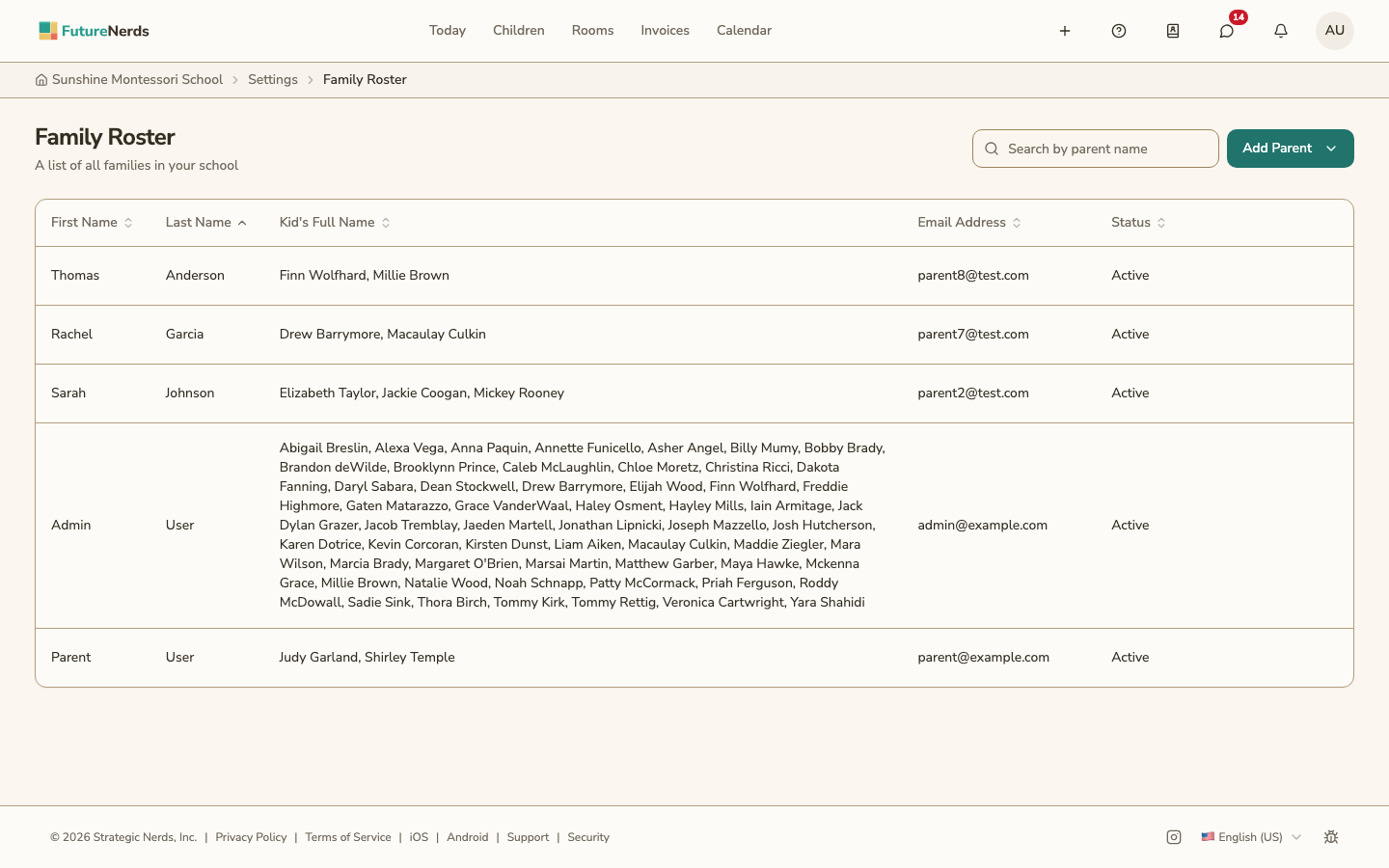
Who is listed
- Every parent or guardian of a child enrolled at your school.
- Every parent you invited who has not added a child yet. Their children column is empty until they do.
Each row shows the parent's name, their children, their email address, and their status. Search by parent name, or click a column heading to sort.
Statuses
| Status | Meaning |
|---|---|
| Not Invited | The parent is on a child's record and has not been sent an invitation. |
| Invited | The invitation was sent. |
| Delivered | The invitation reached the parent's inbox. |
| Delayed | The parent's email provider is holding the invitation. |
| Bounced | The address does not accept email. Correct the address. |
| Blocked | The address is on the email provider's block list. |
| Spam Complaint | The parent marked the invitation as spam. |
| Send Failed | The invitation could not be sent. Send a reminder. |
| Invitation Expired | The invitation link ran out. Send a reminder. |
| Signed Up, Not Confirmed | The parent created an account and has not confirmed their email. |
| Active | The parent is signed in and using FutureNerds. |
Statuses update as email results come in. You do not need to reload the page.
Adding parents
Click Add Parent and choose:
- Invite a Parent -- one email address. The parent adds their children after signing up.
- Invite Several Parents -- paste a list or drop a CSV file.
- Import Families -- upload a roster file of parents and children.
- Remind All Parents -- send the invitation again to every parent who has not signed in.
Correcting an email address
- Click the parent's email address.
- Type the correct address and click the check mark.
For a parent invited without a child, a new invitation goes to the corrected address right away. For any other parent, click Remind This Parent to send the invitation to the new address.
You can correct an address until the parent signs up. After that, only the parent can change it.
Reminding one parent
Click Remind This Parent on the row to send the invitation again.
Hover over an email address and click the copy icon to copy it.
Was This Helpful?