parent
Your childUnderstanding Montessori assessments
Read your child's report cards and understand the Montessori assessment approach.
Report cards
Report cards are published at the end of each assessment period (usually fall and spring). They provide a comprehensive view of your child's growth.
Viewing report cards
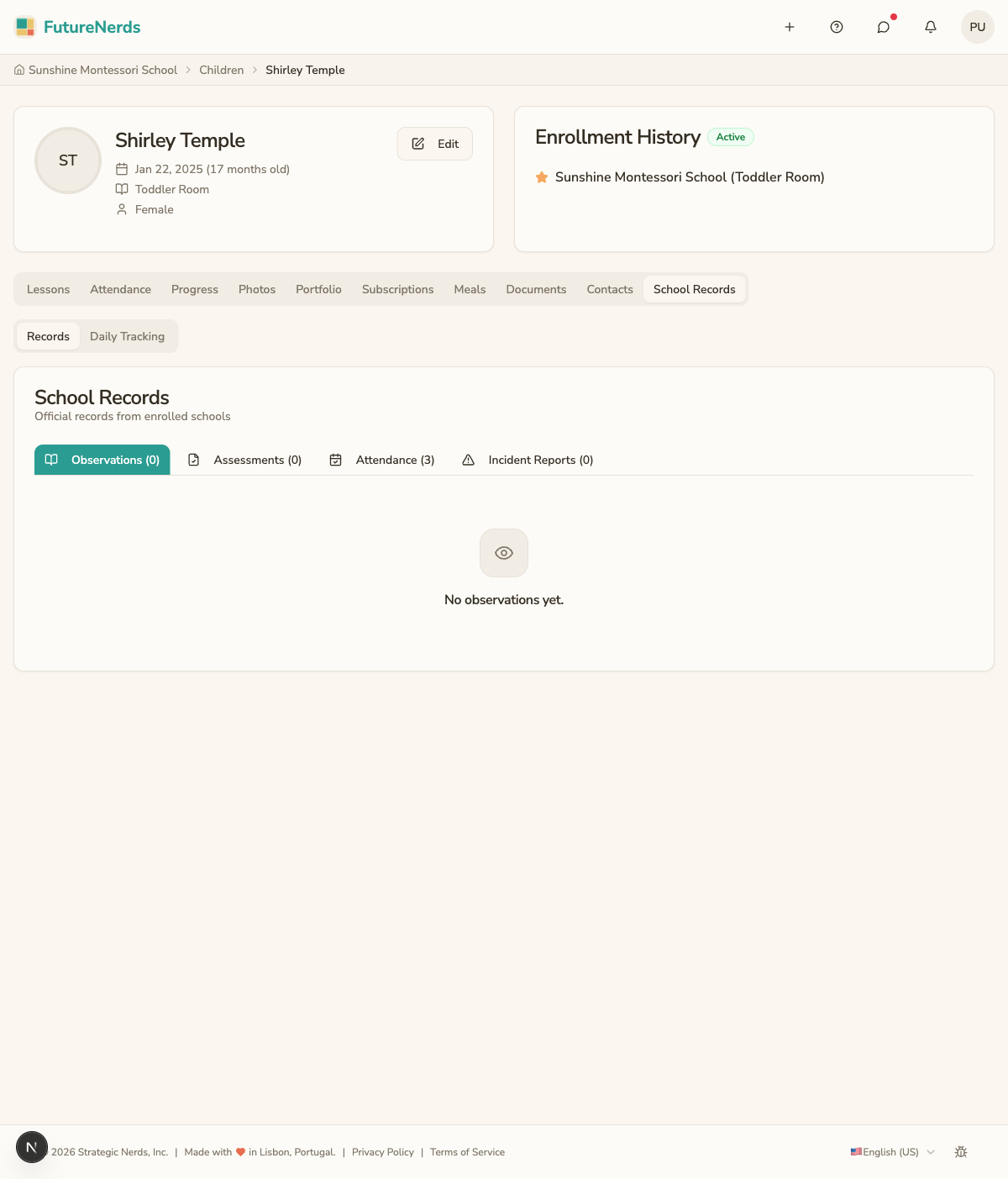
- Go to your child's profile.
- Click the School Records tab, then find Report Cards.
- Select the reporting period you want to view.
What is in a report card
Each report card includes:
- Curriculum areas -- a section for each learning area with:
- Milestone statuses (Not Yet Presented, Presented, Practicing, Mastered).
- A narrative written by the teacher describing your child's progress, interests, and growth.
- General comments -- the teacher's overall observations about your child's social development, independence, and classroom engagement.
Understanding the format
Montessori report cards are different from traditional letter grades:
- There are no A/B/C grades. Instead, each skill is marked with a developmental level.
- The narrative section is the most important part. It describes what your child is doing and what comes next.
- Every child progresses at their own pace. Comparisons with other children are not useful or appropriate.
Downloading
Click Download PDF to save a copy of the report card. The PDF includes the school logo and all sections.
Tips
- Read the narrative sections carefully -- they contain the richest information.
- Prepare questions for parent-teacher conferences based on the report card.
- If anything is unclear, message the teacher for clarification.