Parent
Your childViewing your child's profile
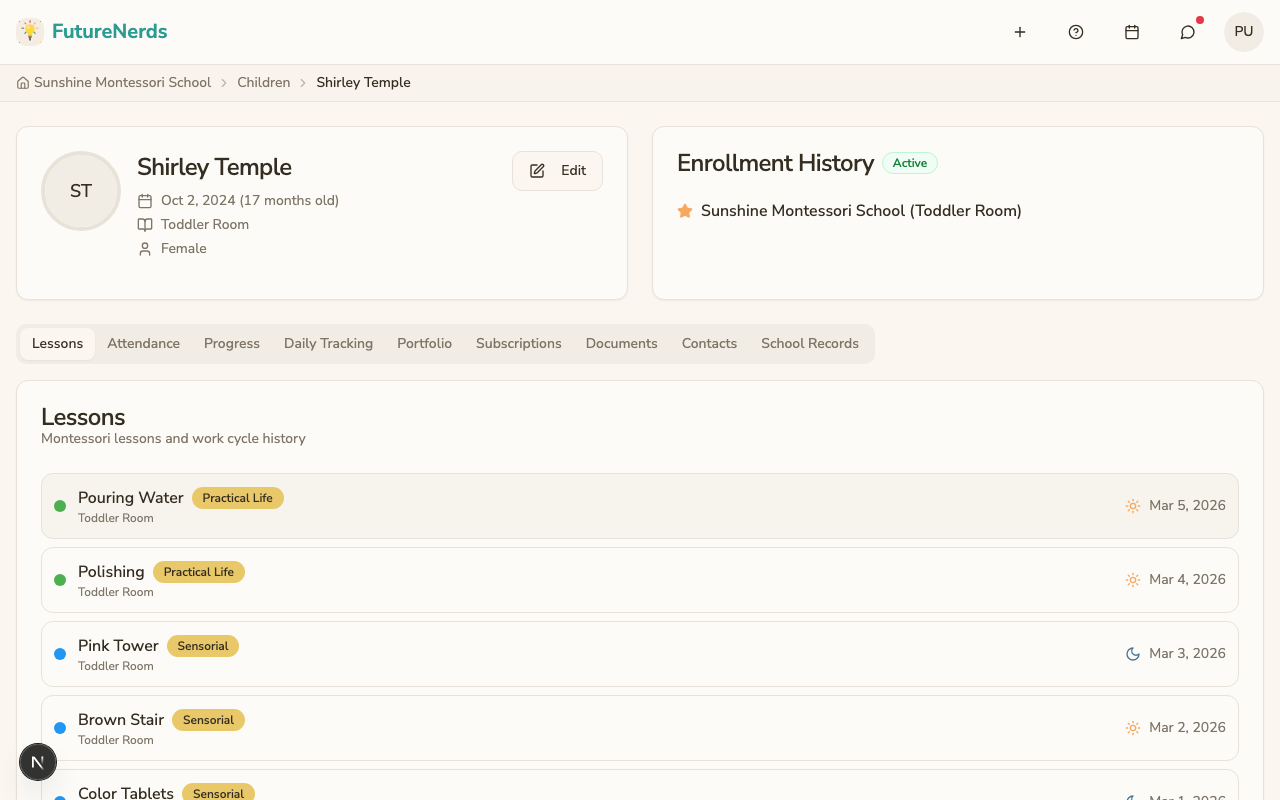
See your child's information, classroom, and records on four tabs.
Last updated Oct 1, 2026
Your child's profile
Open a child from Today to see their profile.
Profile tabs
| Tab | What it shows |
|---|---|
| School Day | Your child's details, allergies, medical notes, enrollment, daily reports, attendance, and incident reports |
| Learning | Observations, social-emotional notes, assessments, portfolio, progress, and checklists |
| Photos | Photos the school shared, and Limit who can see my child's photos |
| Family | Contacts and Safety, guardians, documents, and meals |
School Day
- Details -- photo, name, date of birth and age, classroom, gender, allergies, and medical notes. Click Edit to update them, or upload a photo of your child.
- Enrollment history -- enrollment status and classroom history.
- Daily Reports -- the last three daily summaries the teacher published.
- Attendance -- recent and upcoming days, with Report Absence.
- Incident Reports -- up to three reports from the last 14 days.
Invoices and subscriptions are on Billing in your avatar menu.
Was This Helpful?