Parent
CommunicationSchool and classroom posts
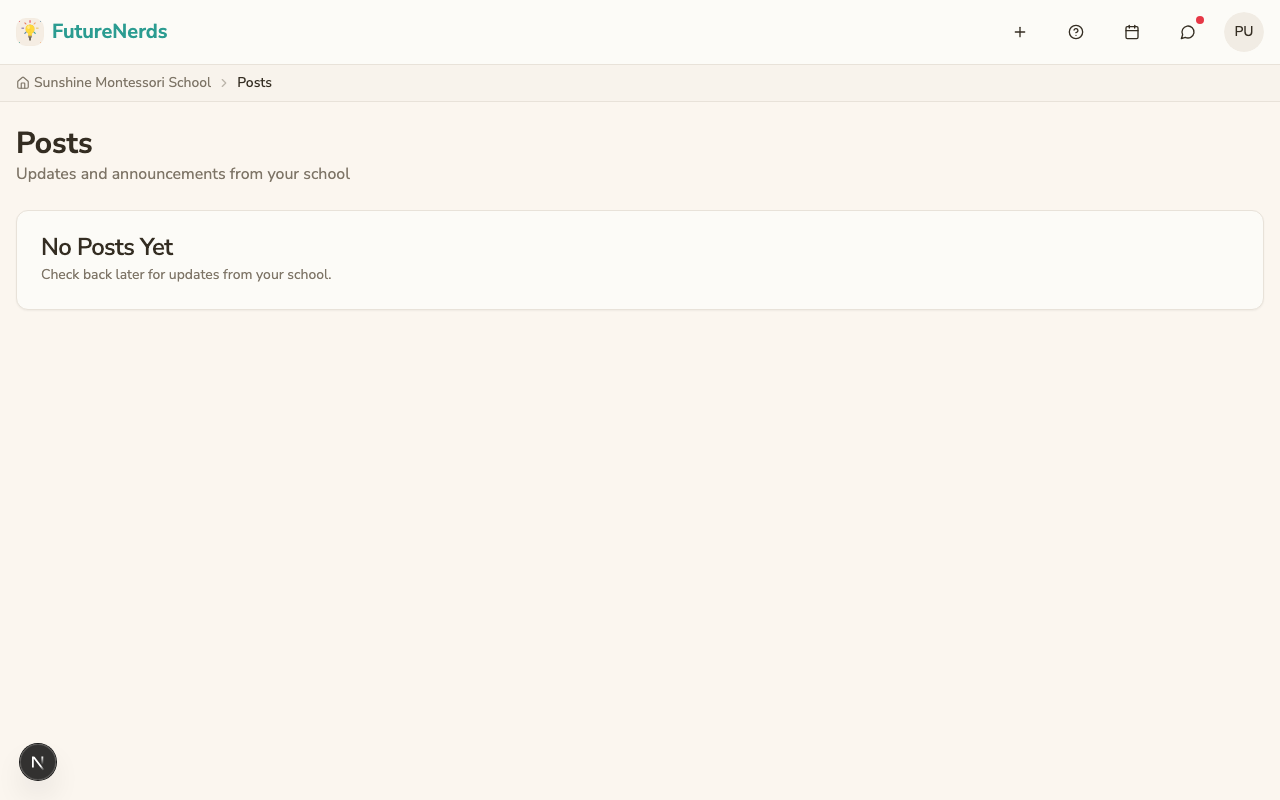
Read posts and announcements from your school and your child's classroom.
Last updated Oct 1, 2026
Posts
Active posts appear as banners at the top of Today. Click See all posts on the banner for the full feed.
Categories
- General -- updates and information.
- Announcement -- formal announcements from staff.
- Alert -- urgent information.
- Reminder -- upcoming deadlines or events.
- Celebration -- milestones and achievements.
Who sees a post
- School-wide posts come from administrators and go to every family.
- Classroom posts come from your child's teacher and go to families in that classroom.
A post disappears when it expires.
Was This Helpful?