Teacher
CommunicationManaging child documents
Read vaccination records and other files on a child's Family tab.
Last updated Oct 1, 2026
Child documents
Each child's profile has documents on the Family tab: vaccination records, identification documents, and other paperwork the family sent.
Getting there
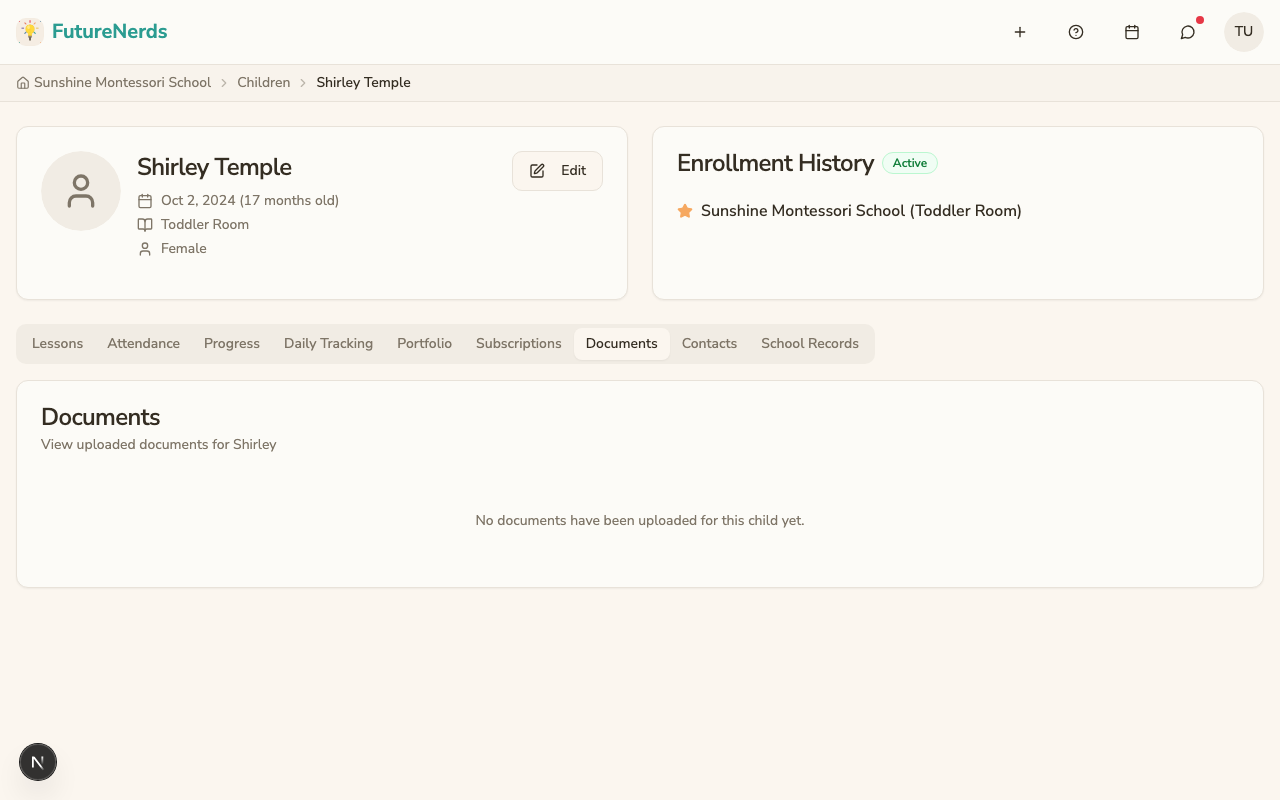
Open a child's profile, open Family, and scroll to Documents.
What staff see
On a teacher account, Family shows Contacts and Safety, Guardians (with Add Guardian), and Documents. When nothing has been sent, the page says no documents have been uploaded yet. There is no Upload button for staff on that tab.
Documents are stored securely. Files are served through signed URLs, meaning each download link is temporary and unique.
Who can upload
Parents upload from the child's Family tab (Upload). Staff read what the family already sent.
Tips
- Ask parents to upload vaccination records and identification documents during enrollment.
- Keep documents up to date, especially vaccination records.
- Delete outdated documents to avoid confusion.
Was This Helpful?