Your Today page
See each child's check-in, today's summary, what needs you, upcoming events, and your assignments.
Last updated Oct 1, 2026
Today
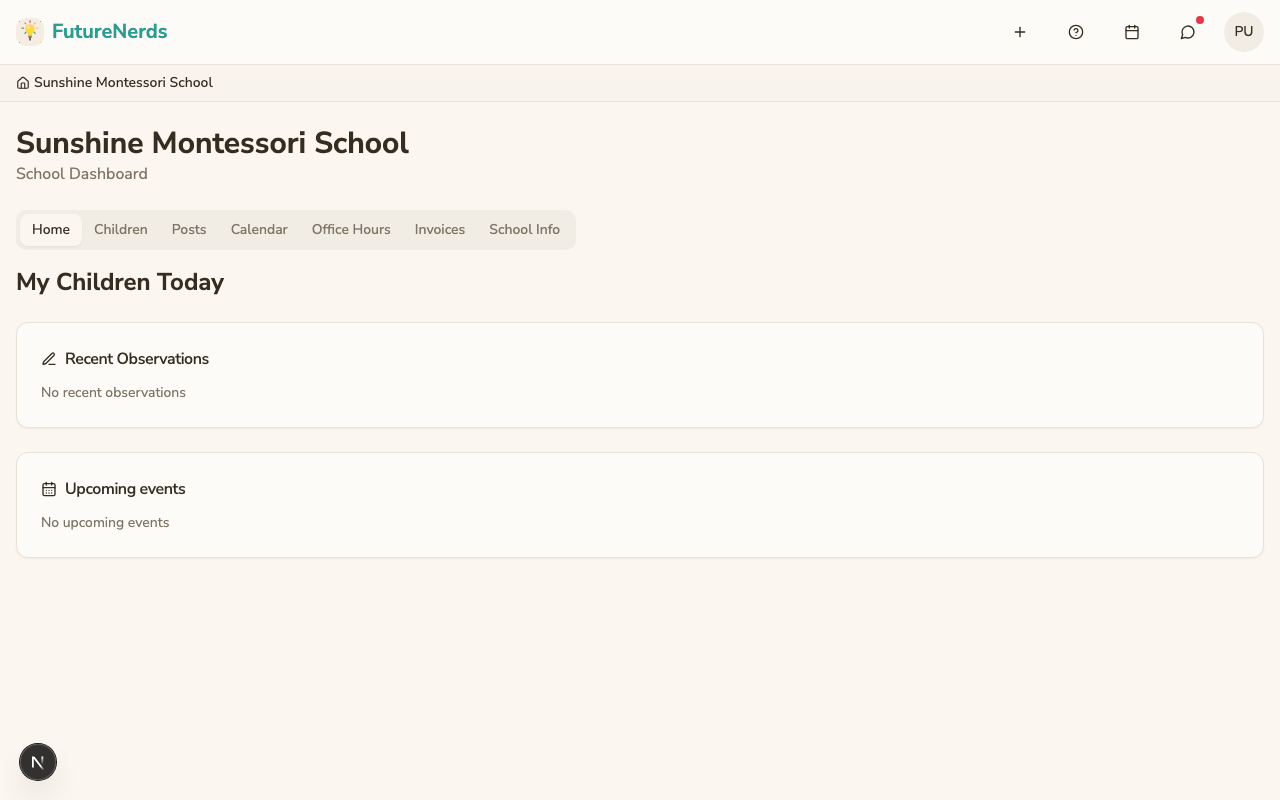
Today is the first page you see when you sign in.
The top bar is Today, Rooms, Calendar, Bookings, and School. On the right are Add New, Help and support, Messages, the notification bell, and your avatar. The avatar menu has your schools, Profile Settings, Billing, and Sign out.
Posts
Active posts appear as a banner at the top. Click See all posts for the full feed.
Needs You
This card lists what is waiting on you:
- Documents to sign.
- Invoices you owe.
- Sign-ups that close within a week.
Click Open on an item to go to it.
Your children
Each enrolled child has a card with their name, classroom, check-in status, and Today's summary from the teacher.
From the card you can:
- Open the child's profile by clicking their name.
- View the child's learning and assessments: click their name, then open Learning.
- Open Report absence, which goes to the child's attendance.
- Open Meals, which goes to the child's meals on Family.
Upcoming events and assignments
Upcoming events lists calendar events with the date and how many days away they are. Assignments lists checklists to complete and documents to Review and sign.
Was This Helpful?