parent
Your child

Viewing your child's portfolio

Browse a curated collection of your child's key moments, observations, and milestones.

Your child's portfolio

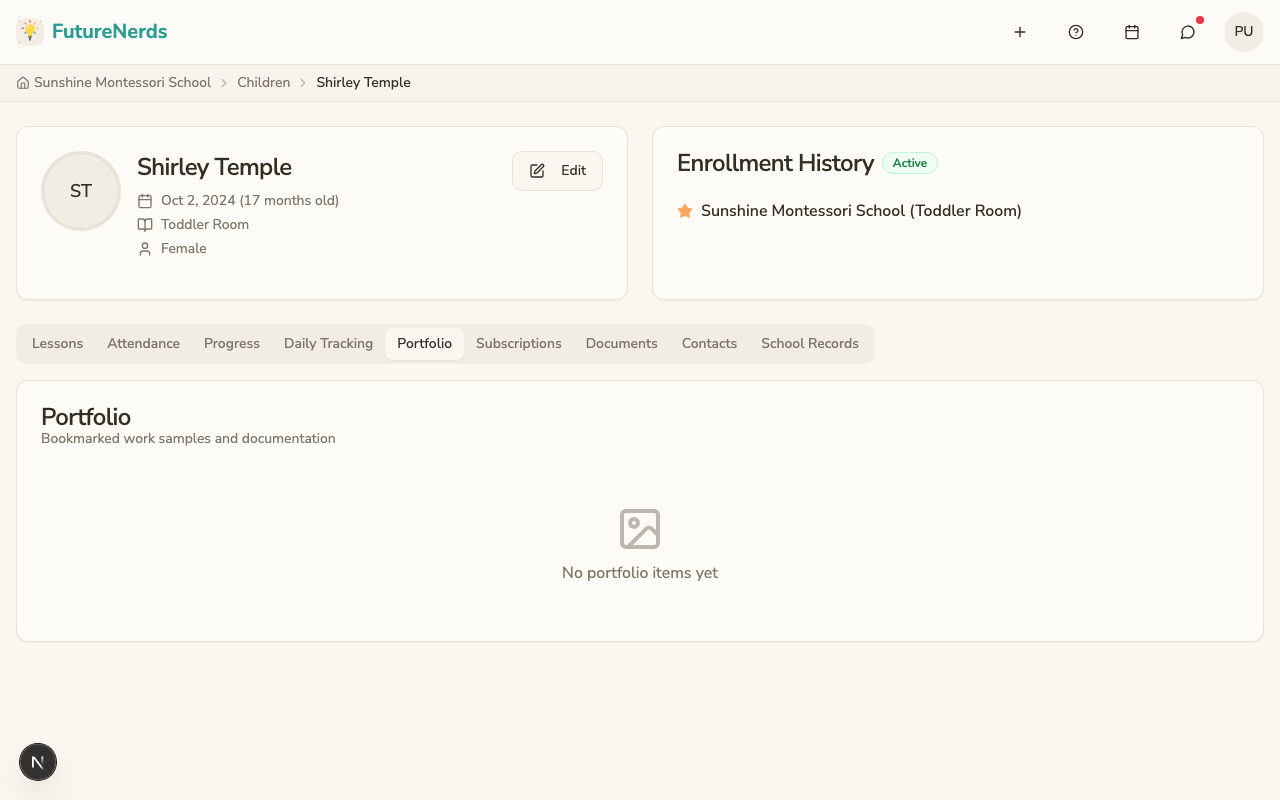
The portfolio is a curated collection of your child's most important moments at school. Unlike the full list of observations, the portfolio highlights key achievements, growth moments, and work samples that the teacher has selected.

Portfolio tab

Viewing the portfolio

  1. Go to your child's profile.
  2. Click the Portfolio tab.
  3. You see a grid of portfolio items, each showing:
    • A type badge (observation, photo, etc.).
    • An optional caption from the teacher explaining why this item was selected.
    • The date it was added.

What makes it different from observations

  • Observations are the full record of everything the teacher documents. Not all are shared with parents.
  • The portfolio is a curated subset that the teacher has chosen to highlight. Every item in the portfolio is intentionally selected as noteworthy.

Tips

  • Review the portfolio before parent-teacher conferences. It provides great conversation starters.
  • Look for patterns of growth over time: compare early entries with recent ones.
  • If you have questions about a portfolio item, message the teacher.