Parent
School lifeCalendar and events
View school events, closures, and your child's classroom events.
Last updated Oct 1, 2026
School calendar
- Open Calendar in the top bar.
- Use Today, Back, and Next to move, and choose Month, Week, Day, or Agenda.
- Use Filter to choose what to show.
- Click an event for its details. Times use the school's time zone.
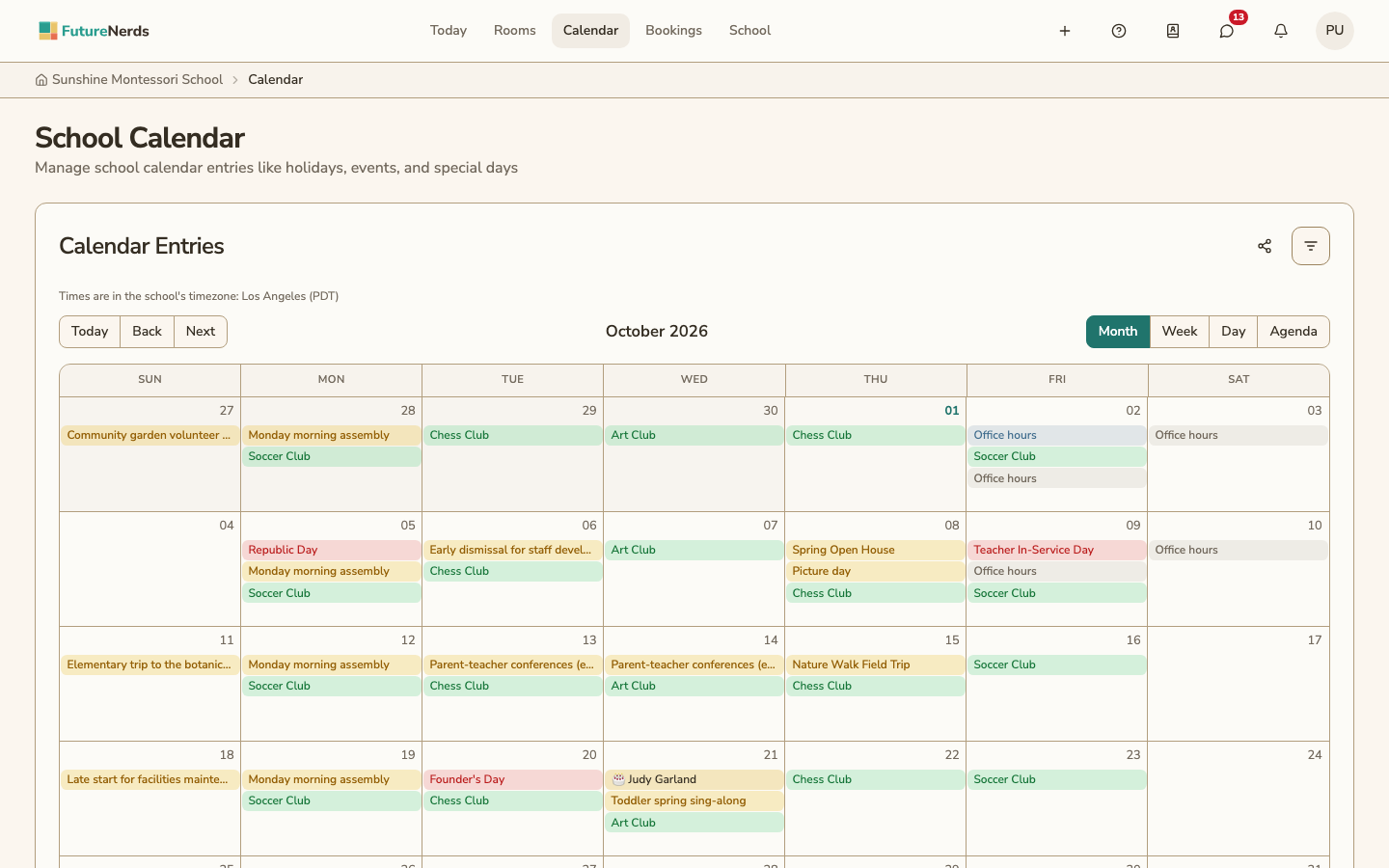
You see school-wide events, such as holidays and closures, and events for your child's classroom, such as field trips.
Adding your calendar to another app
To add your calendar to Apple Calendar, Google Calendar or Outlook:
- Click the share icon on the calendar page.
- Under Your calendar, click Add to Apple Calendar or Add to Google Calendar, or copy Your calendar link into another app.
The calendar app shows what your FutureNerds calendar shows and updates as it changes. If someone else has your link, click Reset link; apps using the old link stop updating. The FutureNerds app on your phone has the same option on its calendar screen.
Was This Helpful?