Parent
Your childChecking attendance history
See when your child was present, absent, or late, with drop-off and pick-up times.
Last updated Oct 1, 2026
Attendance history
- Open your child's profile. You land on School Day.
- Find Attendance.
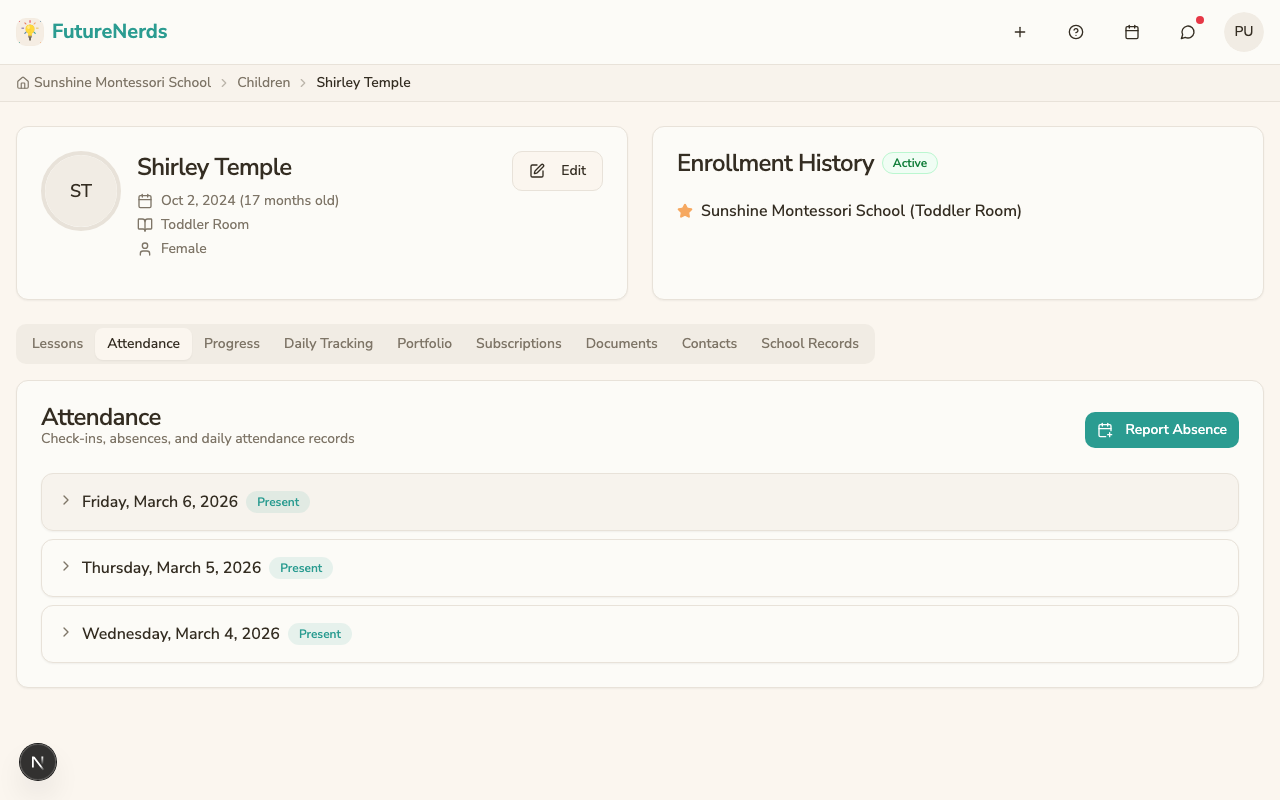
The list shows absences you reported for future days and the last 7 days. Each row shows the date, the status, and the Drop-off and Pick-up times. Click Load more for earlier days.
To report or cancel an absence, see Reporting an absence.
If a day is recorded wrong, message the teacher.
Was This Helpful?