Planning the work cycle
Plan the whole day or the morning and afternoon with a write-up and lessons or goals, and assign work to children.
Planning lessons for the day
The planner holds your room's plan for each day: a write-up, and the lessons or goals you plan from your room's curricula. In a Montessori room this is the work cycle.
The Today tab
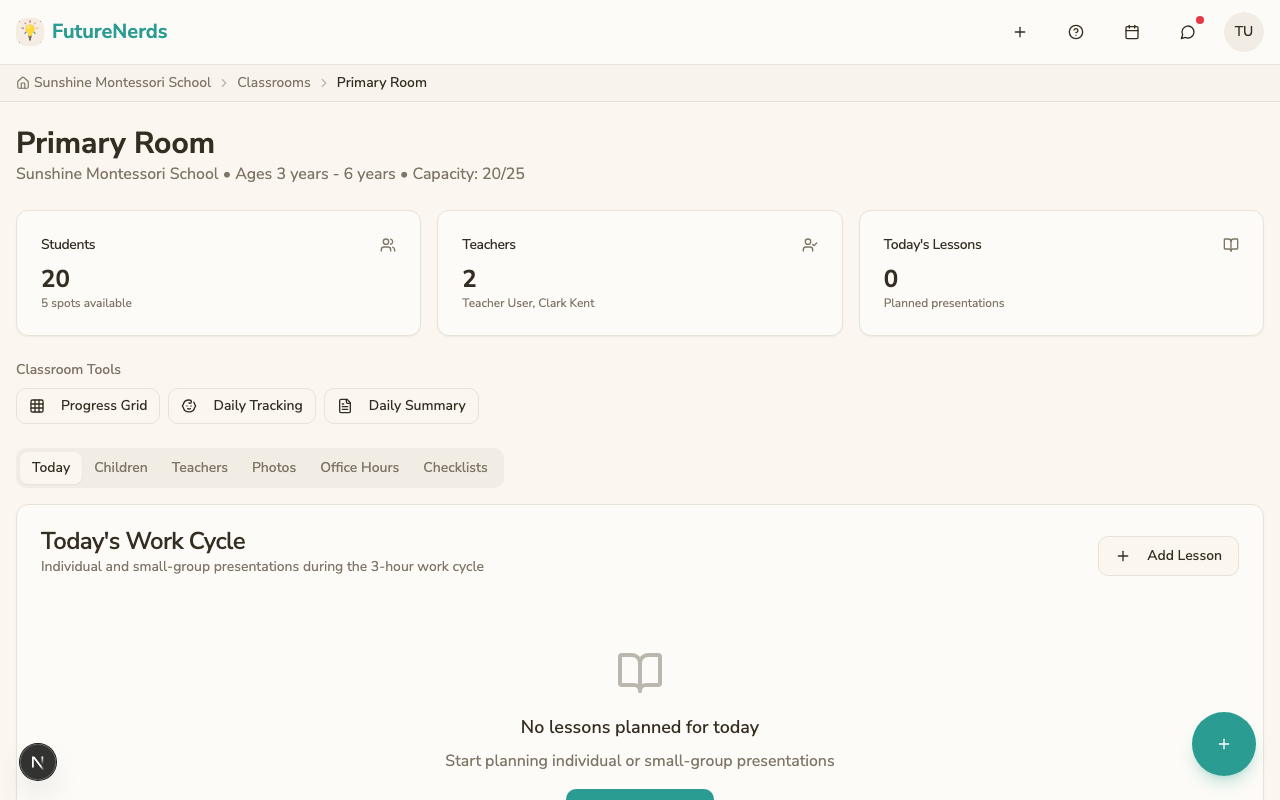
Open your classroom from Rooms. You land on the Today tab, which shows:
- Lessons planned for today.
- Which children are assigned to each lesson.
- The time block for each work period (morning, afternoon).
Opening the planner
- Open your classroom from Rooms. Under Classroom Tools, click Plan Work Cycle. Today's shortcuts also include Plan Lessons.
- The page title is Work Cycle. Pick the date. It defaults to today.
Whole day, or morning and afternoon
Under Plan this day as, choose Whole Day or Morning and Afternoon. A room plans one or the other on a given day. Once the day has a plan, the choice is fixed until you delete that plan.
Writing a plan
- Click New Plan. For a day planned as morning and afternoon, choose the Part of the day.
- Under Write-up, write the plan, for example "Sensory bin with dried beans, then a walk to the garden."
- Under Curriculum, search and tick any number of lessons or goals. They are grouped by curriculum and area, with a path where they have one.
- Click Save.
A plan needs a write-up or at least one lesson or goal. Each part of the day has one plan. Click Edit to change it. Delete removes the plan with its write-up, its lessons or goals, and the children assigned to them.
Adding lessons for children
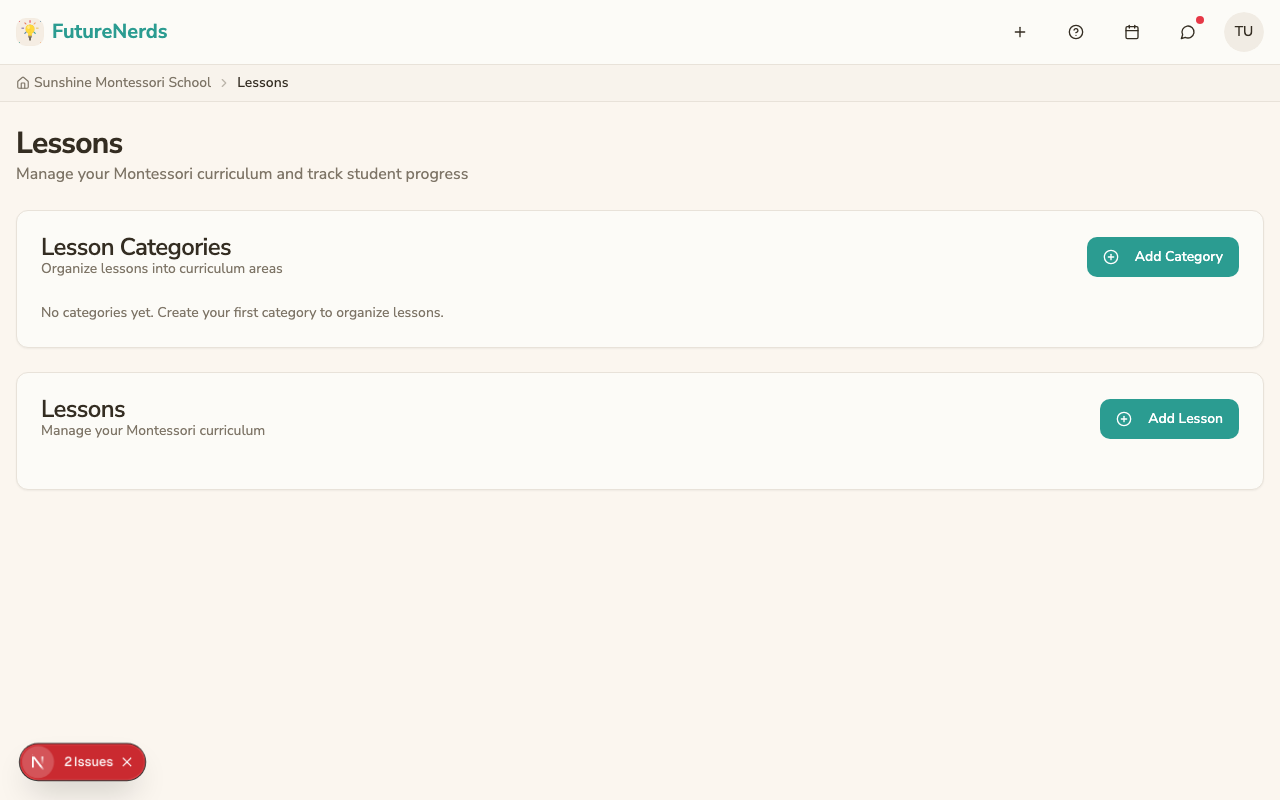
- Select children in the Children Roster.
- In the library, search or filter by category, then click Add.
The library is called Montessori Lesson Library in a room with Montessori wording and Learning Library in a room with General wording. Custom Activity adds something outside the curriculum, for example Forest School.
Your room's curricula
The planner shows only the curricula your room's program uses, for the bands it uses, grouped by curriculum. Your administrator chooses them. Hidden lessons and goals do not appear. To change a curriculum's areas or its lessons or goals, see editing your school's curricula.
Recording progress from the planner
You can record progress directly from the child pills in the planner. Click a child's name to set their progress step for that lesson or goal. The step names are your room's.
On iPhone and Android
The room's day shows each plan's write-up, read only. You can still add a lesson from the phone.
Tips
- Plan lessons a week in advance so you can prepare materials.
- Use the progress grid to see which children need new presentations.
- Keep the plan flexible. Montessori work cycles follow the child's interest.
Was This Helpful?