Teacher
CommunicationMessaging with parents
Send and receive messages with families in your classroom.
Last updated Oct 1, 2026
Classroom messaging
FutureNerds has a built-in messaging system for communicating with parents. You get classroom channels and direct parent threads.
Getting there
Click the messages icon (speech bubble) in the top navigation bar. Messages has two tabs: Channels and Parents.
Channels and parents
- Channels -- classroom boards (for example Primary Room) and school-wide boards such as School Announcements. Filter with All classrooms when you lead more than one room.
- Parents -- direct threads with families.
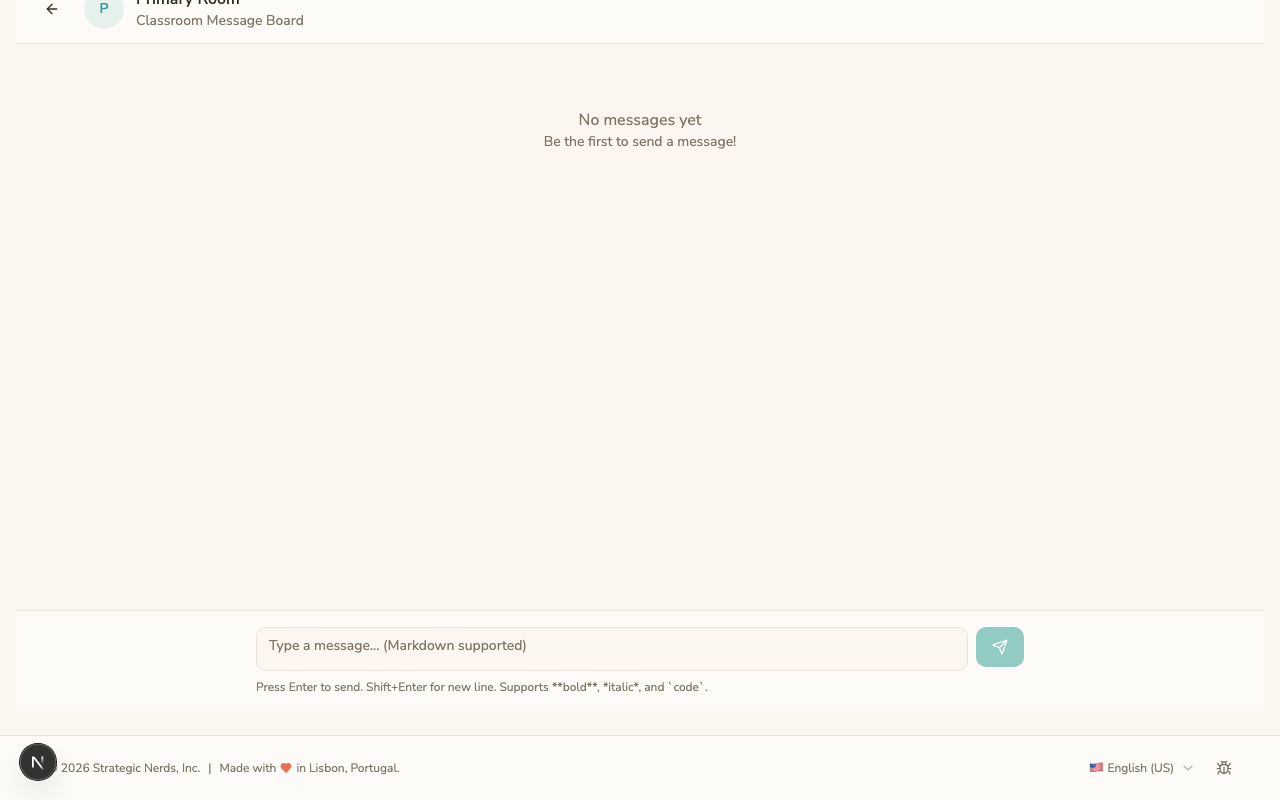
The right pane says Select a conversation to start reading until you pick one.
Sending a message
- Open Channels or Parents, then the conversation.
- Type in the compose box at the bottom.
- Press Enter to send (or Shift+Enter for a new line).
- Messages support basic formatting: bold, italics, links, and lists using Markdown.
Using message templates
If your administrator has created message templates, type / as the first character in the compose box. A popup lists available templates.
What is shared
A classroom channel is visible to the parents and teachers in that room. A Parents thread is with that family, not the whole class.
What parents see
Parents receive:
- An in-app notification with an unread count on the messages icon.
- An email notification (unless they have turned off email notifications).
When to use messages vs. posts
- Messages -- day-to-day communication with your classroom: pickup changes, questions, quick updates.
- Posts -- announcements for the whole school or your classroom that should appear on Today.
Tips
- Respond to parent messages within 24 hours when possible.
- Keep messages professional and friendly.
- For urgent matters (a child is sick, immediate pickup needed), ask parents to call the school directly rather than relying on messaging.
Was This Helpful?