parent
Your childViewing daily tracking entries
See what your child ate, when they napped, and other daily activities logged by the teacher.
Daily tracking
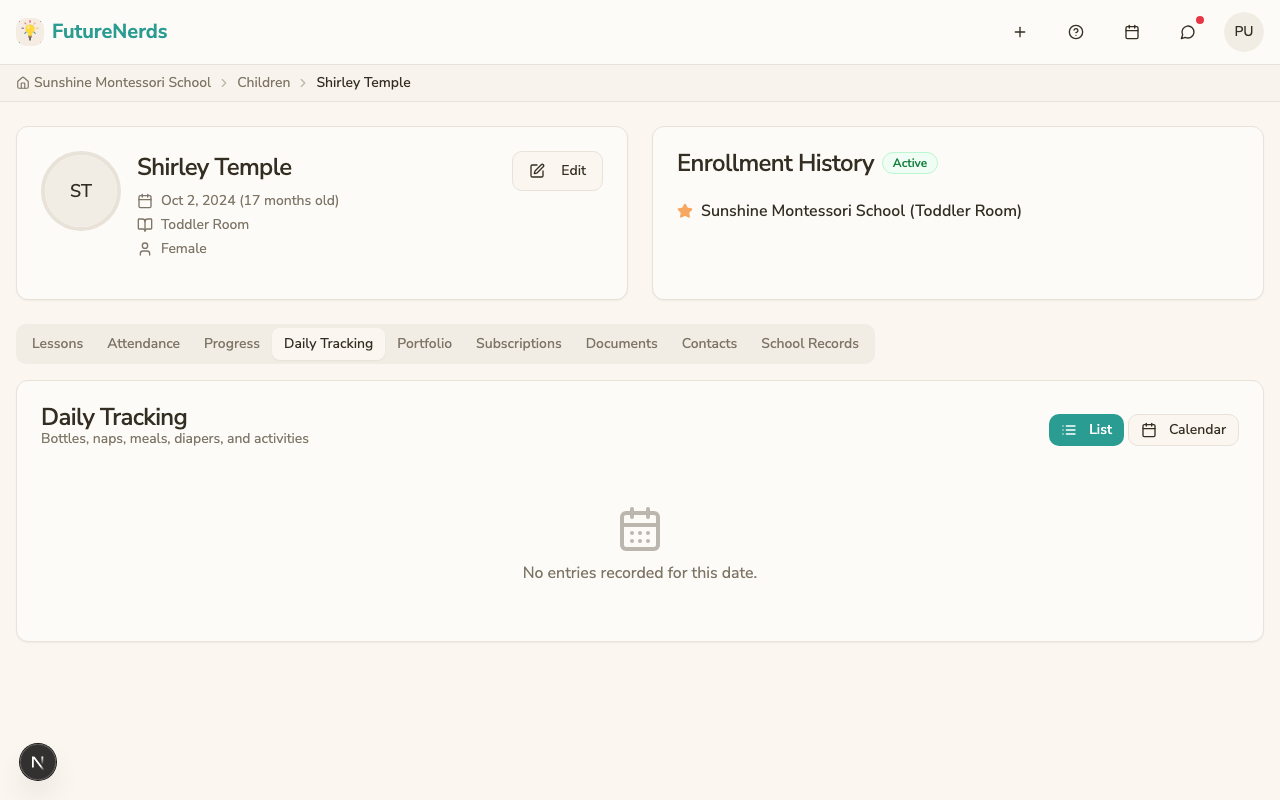
If your child's program includes daily tracking (common for toddler and infant programs), the teacher logs activities like feeding, naps, diaper changes, and moods throughout the day.
![]()
Viewing entries
- Go to your child's profile.
- Click the Daily Tracking tab.
- You see entries for the current day, grouped by time.
Entry types
| Type | What it shows |
|---|---|
| Bottle | Quantity, milk type, whether they finished |
| Nap | Start and end time |
| Meal | Meal type, amount eaten, items served |
| Diaper | Type (wet, soiled), whether cream was applied |
| Activity | Activity name and duration |
| Mood | General mood (happy, calm, fussy, upset, sleepy) and notes |
Switching views
You can toggle between two views:
- List view -- entries listed chronologically.
- Calendar view -- select a date to see entries for that day.
The selected view is remembered so you do not need to switch each time.
Tips
- Check daily tracking entries in the evening to see how your child's day went.
- If something looks unusual (missed meals, short naps), message the teacher to ask about it.
- The daily parent digest email (if your school has it enabled) includes a summary of the day's entries.