Teacher
Assessments and developmentManaging child portfolios
Curate a collection of each child's best work, key observations, and milestone moments.
Last updated Oct 1, 2026
Child portfolios
A portfolio is a curated collection of a child's key moments, observations, and work samples. It gives parents a focused view of their child's growth over time, separate from the full record of every observation.
Getting there
Open a child's profile, open Learning, and scroll to Portfolio.
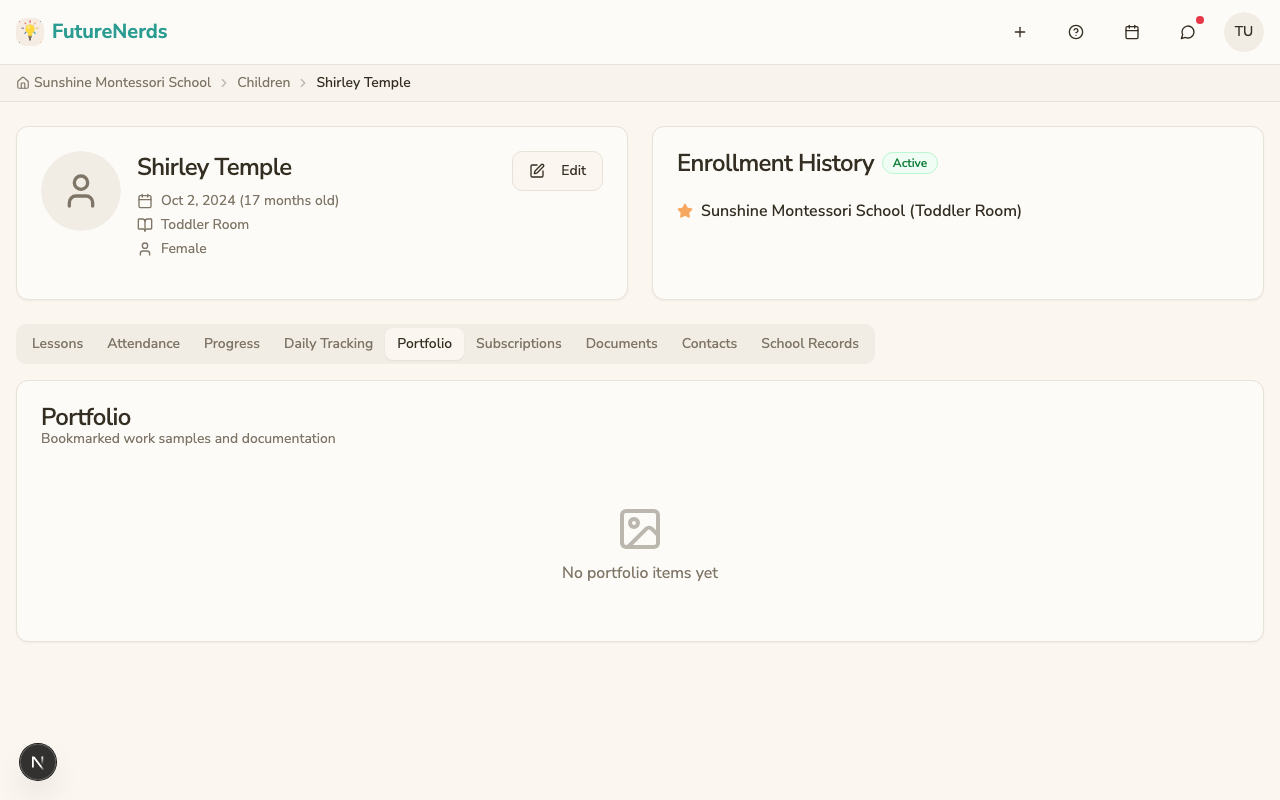
Adding items to a portfolio
You can bookmark observations from Learning > Observations. Bookmarked items appear under Learning > Portfolio.
Managing portfolio items
Each portfolio item shows:
- Type badge -- what kind of record it is (observation, photo, etc.).
- Caption -- an optional note you add to explain why this item is in the portfolio.
- Date -- when the item was bookmarked.
For each item you can:
- Toggle parent visibility -- click the eye icon to show or hide the item from parents. Items hidden from parents are only visible to staff.
- Remove -- click the trash icon to remove the item from the portfolio (the original record is not deleted).
What parents see
Parents see portfolio items under Learning > Portfolio. They only see items you have marked as visible. This is a useful way to share highlights without showing every observation.
Tips
- Add portfolio items regularly, not just at the end of the year.
- Choose items that show growth: a first attempt at a task, and then a mastered one months later.
- Use captions to explain the significance of each item.
- Review the portfolio before parent-teacher conferences. It makes a great conversation starter.
Was This Helpful?