Printable observation sheets
Generate sheets to carry on a clipboard during the work cycle, then enter the marks and review them.
Last updated Oct 1, 2026
Observation sheets
Observation sheets are printable pages you carry on a clipboard during the work cycle. You mark progress on paper while you move around the room, then bring the marks into FutureNerds and review them.
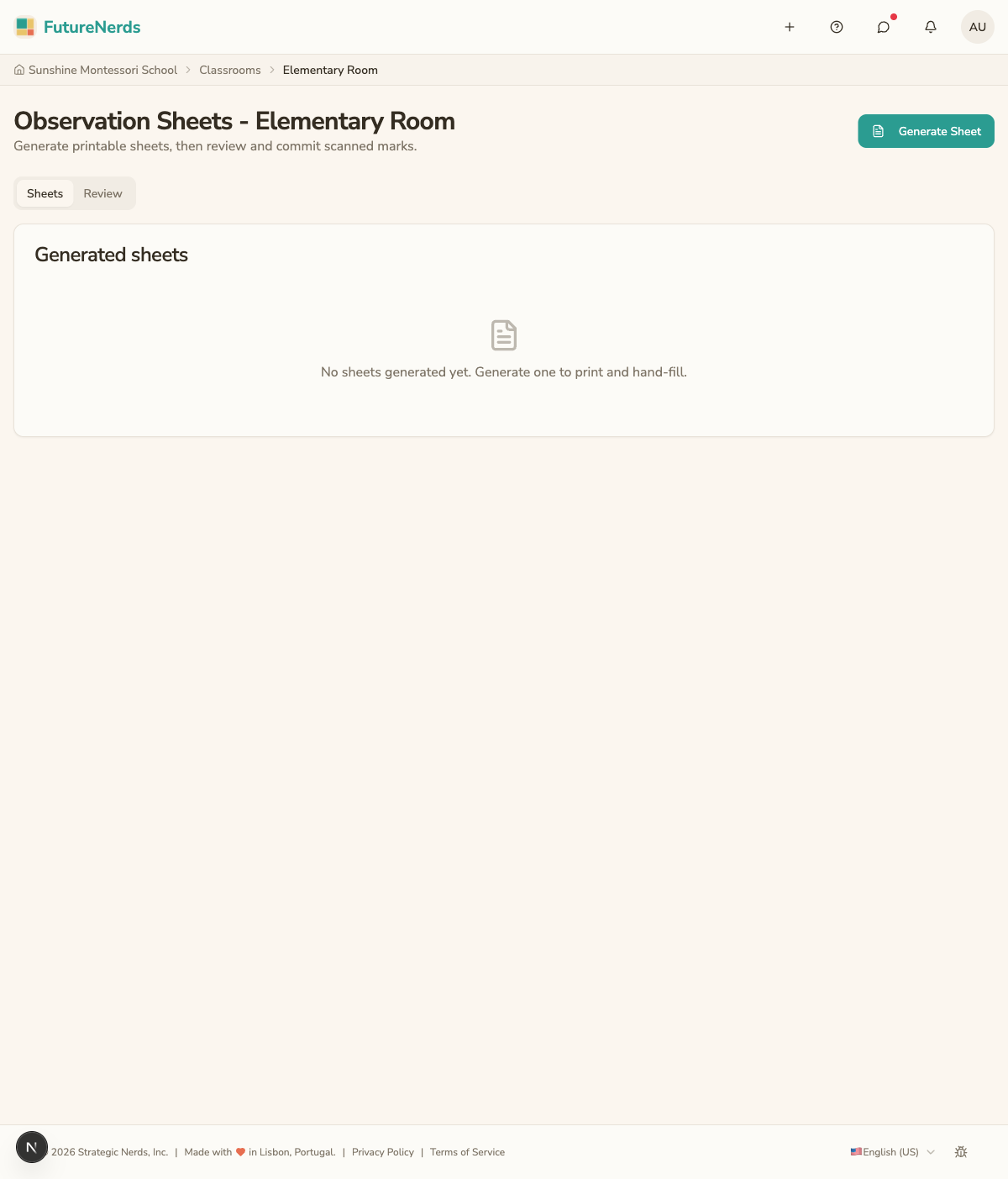
Generating sheets
- Open your classroom and click Observation Sheets under Classroom Tools, or open the Observation Sheets page. The page has Sheets and Review tabs.
- Click Generate Sheet.
- Choose the Child (one child, or All Children in the classroom), the Sheet Date (today unless you pick a later date to print ahead for the week), and What to Print: Blank, or Pre-filled with each child's current mastery levels.
- Click Generate. The printable sheet downloads.
- Print it.
Each sheet has bubbles you fill in by hand to set a mastery level. A QR code and four black boxes in the corners tie the sheet to the right child and classroom.
Marking on paper
During the work cycle, fill in the bubble for the level you observed. Use a dark pen and fill each bubble completely. Work through the room at your own pace; the paper does not need a connection or a battery.
Entering the marks
Photograph a filled sheet with the FutureNerds phone app, or click Enter from scan on the Observation Sheets page and upload a photo. FutureNerds reads the marks it can and puts the sheet on the Review tab. The photo is not saved.
The reading can miss faint marks or read them wrong. On Review, check every child and level, change anything that is wrong, and fill in anything it missed. Click Commit to record the marks. If a sheet cannot be read at all, enter its marks yourself.
Tips
- Fill bubbles completely with a dark pen.
- Photograph the whole page, with the QR code and all four corner boxes in the frame. Do not fold or cover them.
- Check every mark on Review before you click Commit.
Was This Helpful?