parent
Your dashboardThe school store
Buy uniforms, supplies, and other items your school sells, and check out with a card.
The school store
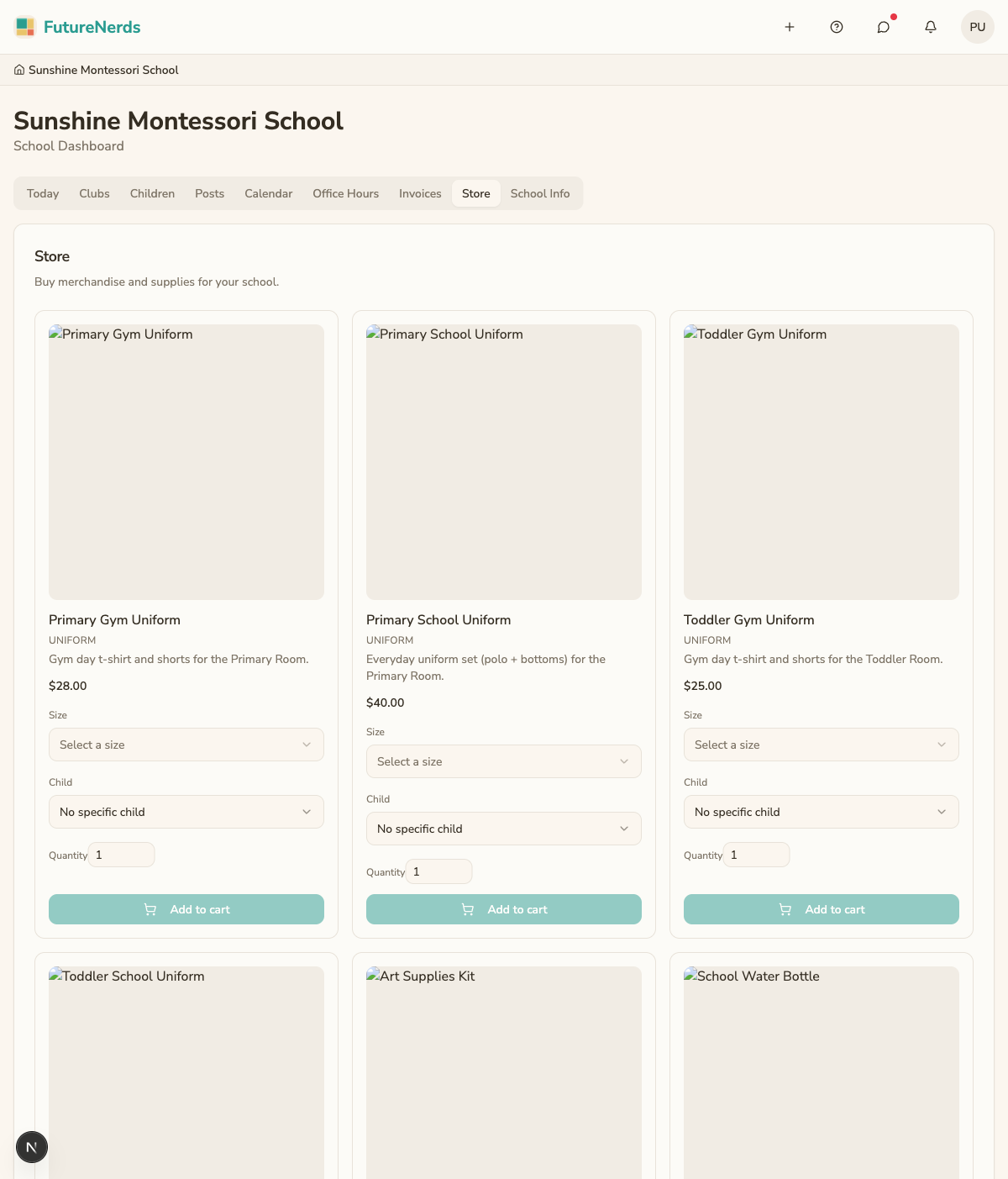
The store is where you buy items your school sells directly, like uniforms, supplies, and other gear. From the Store tab on your school dashboard you can browse what is for sale, add items to a cart, and pay by card.

Browsing items
- Go to the Store tab on your school dashboard.
- You see the items the school offers, each with a photo, description, and price.
- Some items have options to choose, such as a size for a uniform.
Not every school uses the store. If you do not see a Store tab, your school has not turned it on or has nothing listed yet.
Adding to your cart
- Open an item.
- Pick any options it has (for example, the size).
- Choose the quantity.
- Add it to your cart.
Your cart holds everything you plan to buy. You can keep shopping and add more before you check out.
Checking out
- Open your cart.
- Review the items, options, and total.
- Choose to check out.
- Enter your card details on the secure Stripe payment page.
- Confirm the payment.
Payments run through Stripe, so your card details go straight to Stripe and are not stored by the school. Once the payment goes through, you receive a confirmation.
Tips
- Double-check sizes before you buy. Uniform exchanges are handled by the school, not the app.
- Keep your confirmation in case you need to ask the school about an order.
- Store purchases are separate from your tuition invoices on the Payments tab.