School calendar app with events, field trips and parent sign-ups
FutureNerds is a school calendar app with events and parent sign-ups. Staff add holidays, closures, field trips and conferences, set sign-up limits and RSVP deadlines, and parents sign up from their phone. Families can subscribe to the calendar in Apple Calendar or Google Calendar.
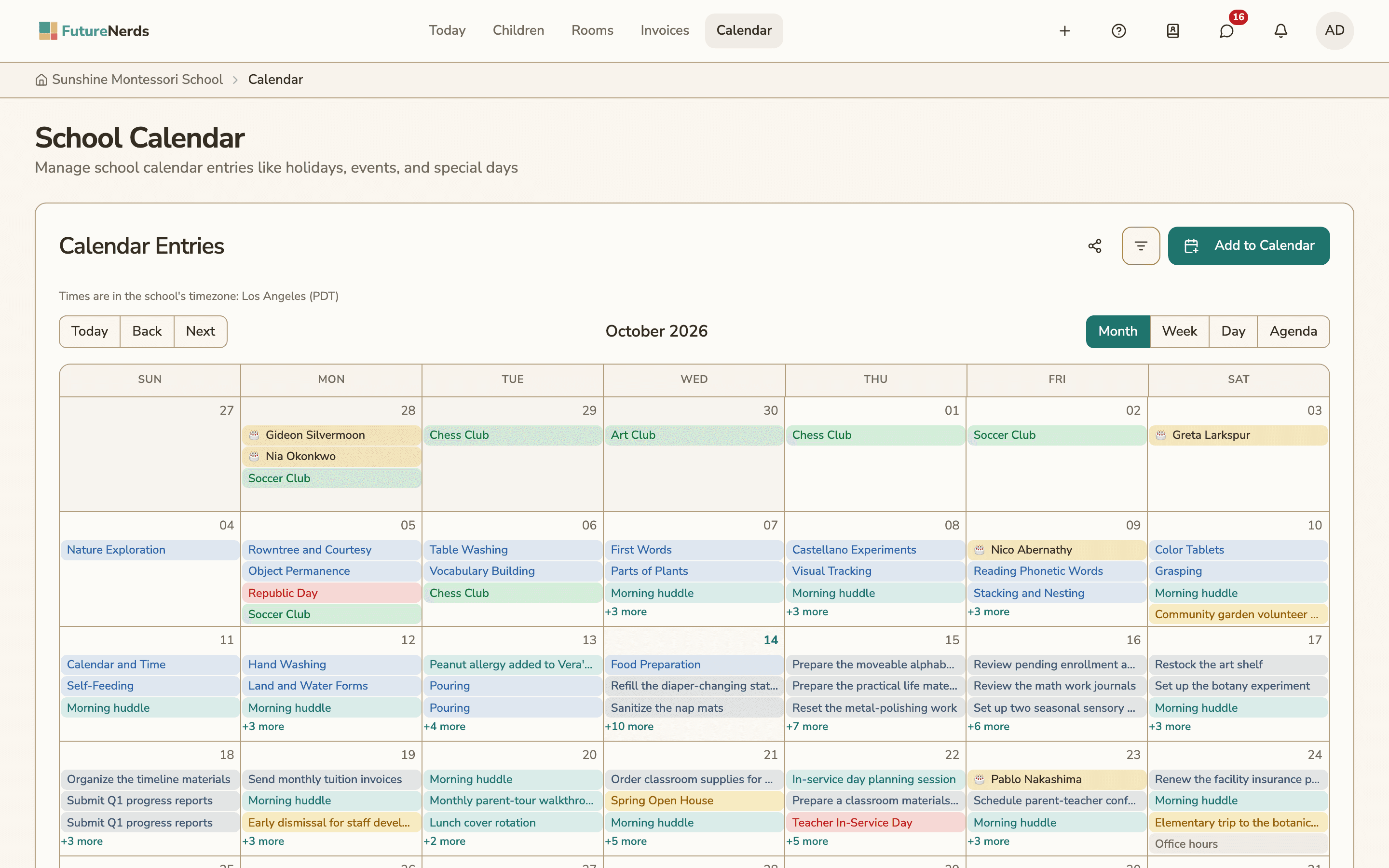
What goes on the calendar
The calendar has two kinds of items. Calendar entries mark the school year: days off, short days and deadlines. Events are things people come to, and they can take sign-ups.
Each calendar entry has a type and an action. The type says what the day is:
- Holiday
- Teacher work day
- School event
- Parent conference
- Early dismissal
- Late start
- Field trip
- Performance
- Deadline
- Other
The action tells families what to do about it:
| Action | What families see |
|---|---|
| School closed | There is no school that day |
| Information only | A date to know about |
| Modified schedule | The day runs on different hours |
| Parent attendance required | A parent is expected to come |
| Optional attendance | Parents are welcome to come |
An entry can repeat daily, weekly, monthly or yearly, every one or more of those units, until an end date. The end date is required.
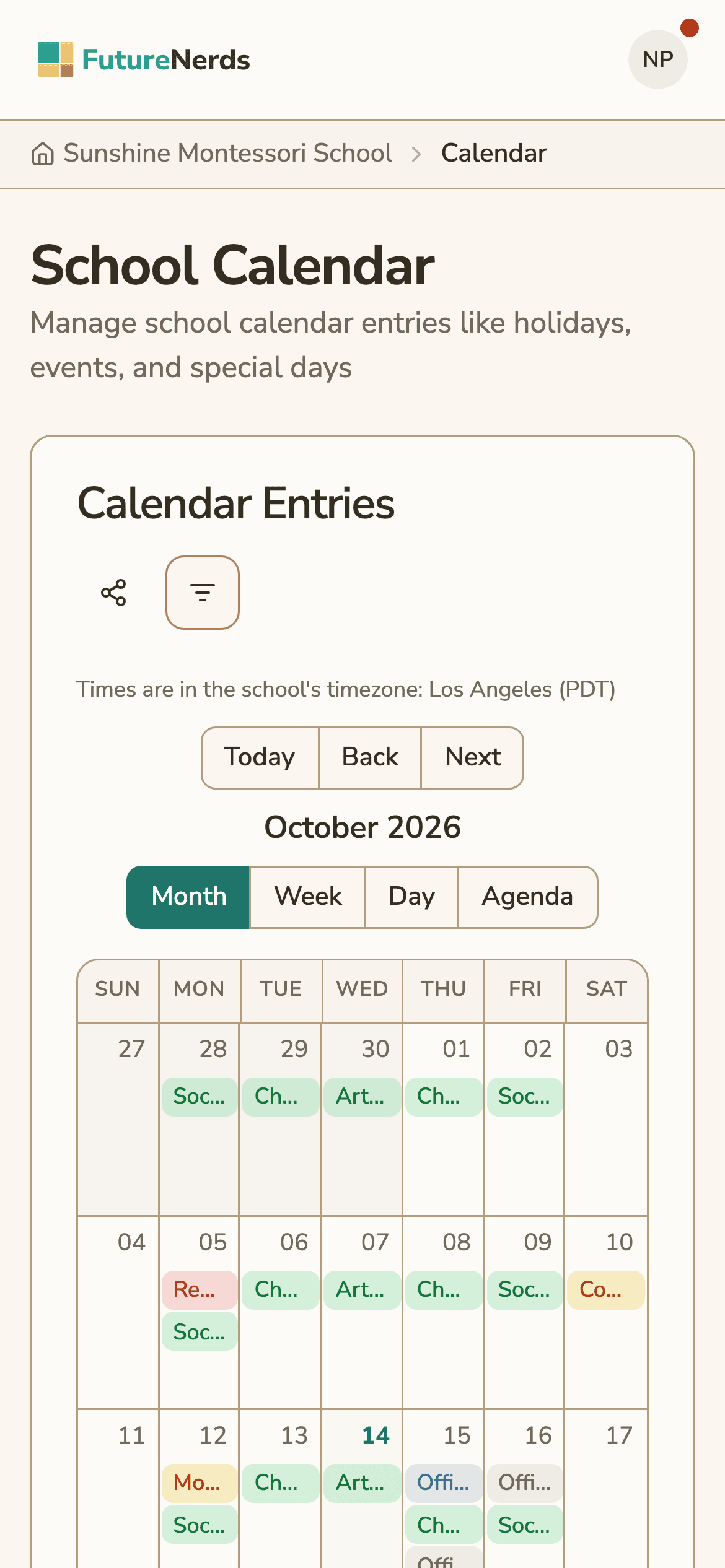
The calendar shows Month, Week, Day and Agenda views. Times always show in the school's time zone, and the page says which zone that is.
Events and sign-ups
An event has a type: school, classroom, parent-teacher conference, field trip, holiday, performance or volunteer opportunity. It goes to the whole school or to one or more classrooms you pick.
For any event you can turn on sign-ups and set:
- a maximum number of sign-ups
- a minimum number of sign-ups
- an RSVP deadline
- a volunteer capacity, for volunteer opportunities
- a fee notice that parents must acknowledge before they sign up
A field trip can also carry a cost per child and a permission slip. Parents sign the slip in the app by typing their name, the same way they sign other school documents. Field-trip reminders go out from a job that runs every 15 minutes.
Bookings
Parents book time with the school from the Bookings page. It has four tabs:
| Tab | What a parent books |
|---|---|
| Office Hours | A meeting with a teacher or administrator, 30 minutes by default |
| Classroom Observation | A time slot to watch the classroom |
| Field Trips | A place on an upcoming trip |
| Volunteer Opportunities | A volunteer shift, up to the capacity you set |
Staff set their office hours and observation times, and booked slots show on the calendar.
Calendar feeds for Apple and Google Calendar
FutureNerds publishes the calendar as an ICS feed, the format Apple Calendar, Google Calendar and Outlook read.
- School feed. One read-only feed of the school calendar, at a private link that can be regenerated.
- Personal feed. Each person gets a feed that shows what their own FutureNerds calendar shows, from 30 days back to a year ahead. Reset link gives them a new address, and calendar apps on the old one stop updating.
The Add to Apple Calendar and Add to Google Calendar buttons set up the subscription in one tap. The feed keeps itself up to date.
The calendar, events and bookings work on the web, iPhone, iPad and Android.
How to add an event with parent sign-ups
- Open Calendar and select Add to Calendar.
- Enter a title, then pick the type, the date and the start and end times.
- Choose the audience: the whole school or the classrooms that should see it.
- Turn on sign-ups. Set the maximum, the minimum and the RSVP deadline.
- For a field trip, add the cost per child and turn on the permission slip.
- Save. Families see the event in the app and in any calendar feed they subscribe to, and they sign up from the event.
What it costs
FutureNerds is free for your first 10 students. After that it costs $0.50 per child per month, with no setup fee. If your school collects payments from families through FutureNerds, standard Stripe fees plus 1% apply. See pricing.
Questions and answers
Can parents add the school calendar to Google Calendar or Apple Calendar?
Yes. FutureNerds has Add to Google Calendar and Add to Apple Calendar buttons that subscribe to an ICS feed. There is a school feed and a personal feed for each person.
Can I limit how many parents sign up for an event?
Yes. In FutureNerds you can set a maximum and a minimum number of sign-ups and an RSVP deadline. Volunteer opportunities have their own volunteer capacity.
Does FutureNerds handle field trip permission slips and fees?
Yes. A field trip can carry a cost per child and a permission slip that parents sign in the app by typing their name.
Can parents book parent-teacher conferences and office hours?
Yes. Parents book Office Hours, which default to 30 minutes, and Classroom Observation times from the Bookings page on the web or in the app.
Can calendar entries repeat?
Yes. An entry can repeat daily, weekly, monthly or yearly, every one or more units, until an end date you set.
Which time zone does FutureNerds show times in?
All times show in the school's time zone, for staff and parents alike.
Less paperwork. More presence.
Free for your first 10 students. No credit card required.